

Our Verdict
For most large or multi-storey homes, a mesh system offers meaningfully better coverage and fewer dead zones than a single router - even a powerful one. That said, a well-placed router paired with a wired access point can match mesh performance at lower cost if your home's layout allows it. Neither approach is universally superior; the right fit depends on your floor plan, budget, and tolerance for setup complexity.
| Best for | Recommended |
|---|---|
| Large or multi-storey homes with consistent dead zones | Mesh network system |
| Smaller homes or renters who need a simple, lower-cost solution | Traditional router |
| Households with many simultaneously connected devices | Mesh network system |
| Tech-comfortable users who can run ethernet to key locations | Traditional router with wired access points |
Why Home Size Changes the Wi-Fi Equation
A standard Wi-Fi router broadcasts a single wireless signal from one fixed point. In a compact apartment or a small single-storey home, that signal usually reaches every corner without issue. But in a larger home - think two or more storeys, thick concrete or brick walls, or a sprawling open floor plan - that single signal weakens with distance and struggles to pass through dense building materials.
The result is familiar: fast speeds near the router, sluggish or dropped connections in the bedroom at the far end of the hall, and frustrating dead zones in the basement or garage. Before choosing a networking approach, it helps to understand what's actually limiting your signal. For a broader look at how wired and wireless connections compare on speed and reliability, see our article on Wi-Fi vs Ethernet trade-offs.
How Traditional Routers Work in Large Spaces
A traditional router connects to your modem and broadcasts Wi-Fi from that single location. To extend its reach in a larger home, many people add range extenders (sometimes called Wi-Fi boosters or repeaters). These pick up the existing signal and rebroadcast it, but they create a separate network name, often cut available bandwidth roughly in half, and require your devices to manually switch networks as you move through the home.
A more effective upgrade is a wired access point - a secondary device connected to the router via an ethernet cable that provides full-strength Wi-Fi in another area. This avoids the bandwidth penalty of a wireless extender, but it does require running a cable through walls or floors, which isn't always practical.
Range Extenders Have Real Limitations
Wireless range extenders are often marketed as a simple fix for dead zones, but they come with trade-offs worth understanding. Because they receive and rebroadcast the same signal, they typically cut the available bandwidth on that extended network. In larger homes with high streaming or gaming demands, this can result in noticeably slower speeds in the extended area. If you rely on a range extender, treat it as a stopgap rather than a permanent solution.
For those just getting started with home networking concepts, our guide to setting up a home network for the first time walks through the basics clearly.
How Mesh Systems Address Coverage Gaps
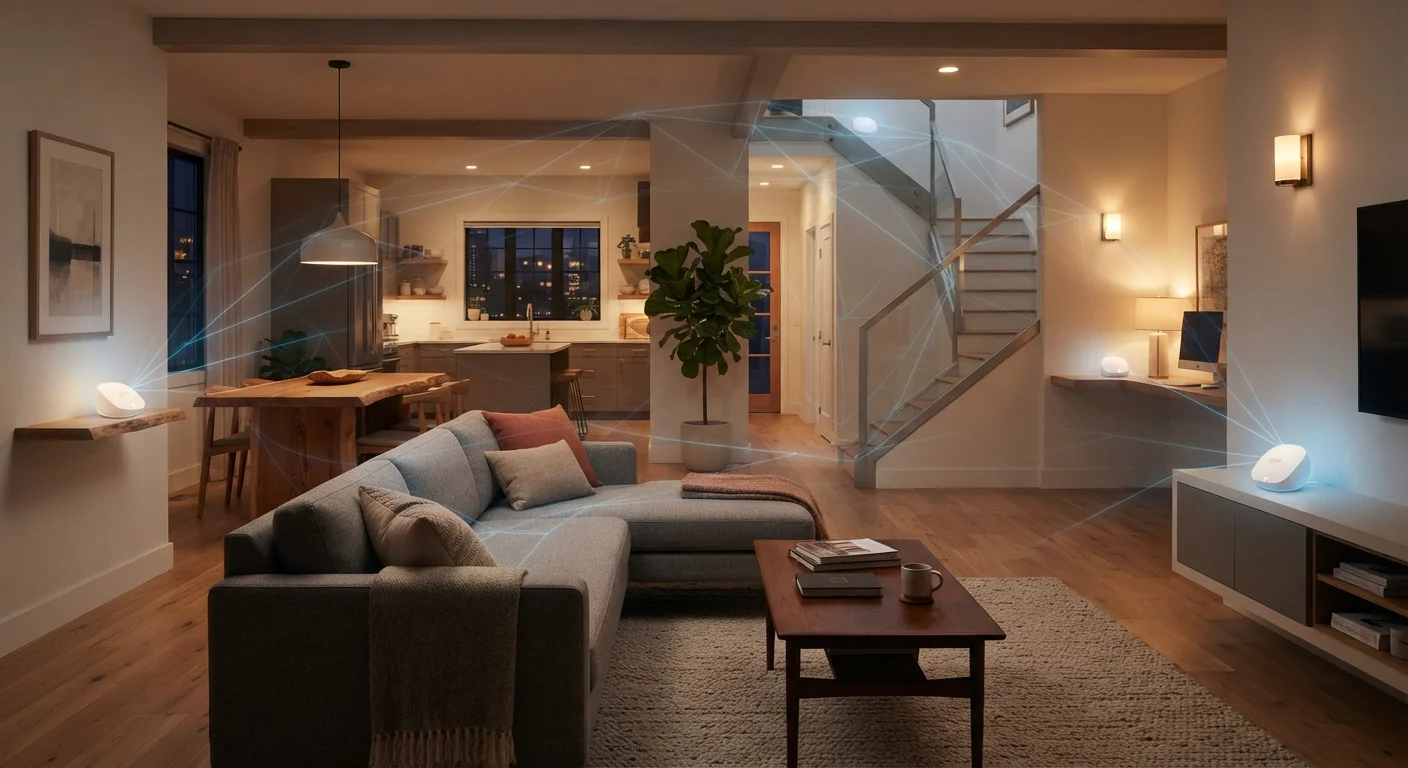
A mesh Wi-Fi system replaces the single-router model with a set of interconnected nodes - typically two to four units - placed around your home. All nodes share the same network name and work together intelligently, automatically routing your device's connection through whichever node delivers the strongest signal. From a user's perspective, this is seamless: your phone or laptop stays connected as you move from room to room without any manual switching.
Mesh systems generally handle multiple connected devices better than a single router because the traffic load is distributed across nodes rather than concentrated at one point. This matters increasingly in households with smart TVs, security cameras, smart speakers, laptops, and phones all online simultaneously.
Placement Makes a Significant Difference
For mesh nodes or traditional routers alike, position matters more than most people realise. Place nodes in open, central locations - not inside cabinets or behind large appliances. For a multi-storey home, one node per floor is a common starting point. Keeping nodes within a reasonable distance of each other (generally no more than one or two rooms apart) helps maintain a strong backhaul connection between them.
| Traditional Router | Mesh System | |
|---|---|---|
| Upfront cost | Lower (single device) | Higher (multiple nodes) |
| Coverage in large homes | Limited without add-ons | Designed for whole-home coverage |
| Setup complexity | Moderate to high with access points | Generally app-guided, simpler |
| Seamless roaming | No (manual network switching) | Yes (single unified network) |
| Expandability | Requires new hardware or cabling | Add nodes within same ecosystem |
| Performance near router | Excellent | Very good |
Cost, Setup, and Long-Term Considerations
The most significant practical difference between these approaches is upfront cost. A capable traditional router is generally less expensive than a full mesh system with multiple nodes. However, once you factor in the cost of range extenders or the labor involved in running ethernet cables for access points, the gap narrows.
Setup complexity also differs. Most mesh systems are designed for straightforward app-guided installation - place the nodes, follow the prompts, and you're done. Traditional routers with access points require more technical configuration. On the security side, both approaches can be well secured; our article on securing your home network without a technical background covers the practical steps that apply to either setup.
One more consideration: mesh systems from different manufacturers are rarely compatible with each other, so you're generally committing to one ecosystem. If a node fails years later, you'll need a compatible replacement rather than a generic one.
~5,000 sq ft
Typical maximum single-router range indoors
Wi-Fi range figures from router manufacturers assume open space; real-world coverage in furnished homes with walls is often significantly lower.
25+
Average connected devices per US household
According to Deloitte's Digital Media Trends research, the average US home now manages a growing number of internet-connected devices simultaneously.
The content on this site is for informational purposes only and is not a substitute for professional advice. Always consult a qualified professional for guidance specific to your situation.