

Why Small Habits Have an Outsized Impact on Devices
Consumer electronics are built to be durable under normal conditions - but 'normal' covers a narrower range than most people assume. The habits that shorten device lifespans rarely involve dramatic misuse. More often they are small, daily oversights: where you set a phone to charge overnight, what surface you place a laptop on, or how long you put off a software update.
Because the damage is gradual and largely invisible, it rarely triggers a clear warning. A battery that once lasted a full day quietly shrinks to six hours. A laptop that once ran quietly starts to sound like a small fan heater. By the time the symptom is obvious, the underlying wear is already well advanced. Understanding why devices degrade internally makes it easier to connect everyday habits to their long-term consequences.
Heat Is Your Device's Biggest Enemy
Sustained high temperatures degrade batteries, warp circuit boards, and reduce the lifespan of processors. Even moderate heat - like leaving a phone in a hot car - causes cumulative damage that cannot be reversed. If a device regularly feels uncomfortably warm to the touch during normal use, that is a signal worth taking seriously.
The Most Common Mistakes and How to Correct Them
The habits below are among the most frequently overlooked contributors to premature device wear. Each one is common precisely because it does not feel harmful in the moment - which is exactly why awareness matters.
Leaving devices plugged in at full charge for extended periods.
Why it happens: Most people associate 'plugged in' with 'safe,' assuming a full battery is simply a full battery. In reality, lithium-ion batteries experience additional chemical stress when held at 100% for long stretches.
Using a device in environments that are too hot or too cold.
Why it happens: Temperature extremes are easy to overlook because the device often keeps working - at least temporarily. Leaving a phone on a sunny dashboard or a laptop near a heating vent causes internal temperatures to spike without any visible warning.
Ignoring dust accumulation in vents and ports.
Why it happens: Dust builds gradually and invisibly, so there is rarely a single moment when the problem becomes obvious. By the time a fan sounds strained or a device overheats, significant buildup has usually already occurred.
Skipping software and firmware updates.
Why it happens: Updates take time and can feel disruptive, so many users defer them indefinitely. However, updates frequently include fixes that improve how hardware components are managed - including battery efficiency, thermal controls, and storage handling.
Charging with incompatible or low-quality cables and adapters.
Why it happens: Replacement cables are often chosen based on price or convenience. Cheap third-party chargers may not regulate voltage correctly, delivering inconsistent current that stresses the battery and charging circuitry.
Running storage at or near maximum capacity.
Why it happens: Digital storage feels abstract - it is easy to keep adding files without realising that a nearly full drive forces constant data shuffling, increasing wear on storage components and slowing overall performance.
For a broader look at how these habits connect to realistic device lifespans, see our reference on what to realistically expect from common consumer devices. If charging habits are a particular concern, the detail behind why gadgets lose battery capacity over time is worth reading alongside this article.
Never Block Cooling Vents on Laptops
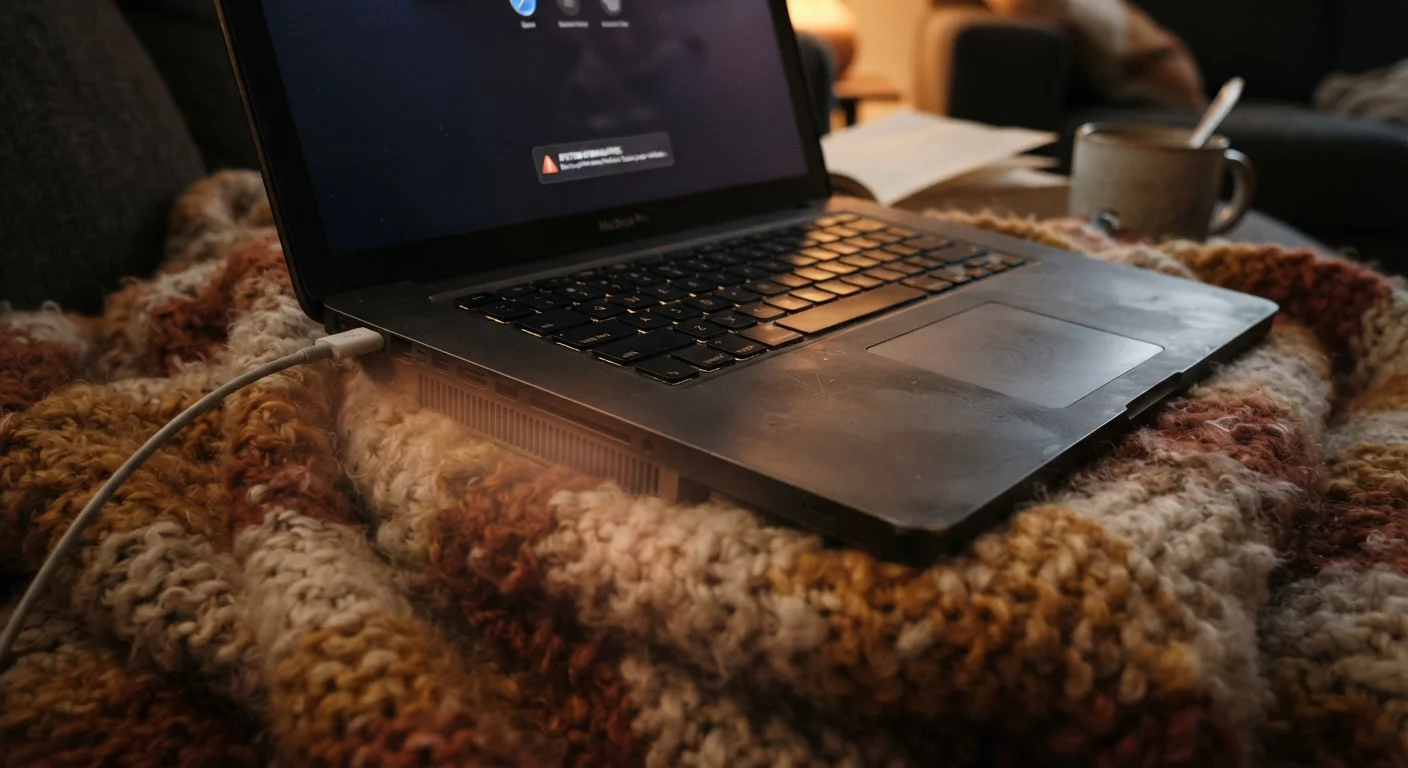
Using a laptop on a bed, pillow, or couch may feel comfortable, but soft surfaces block the bottom vents that expel hot air. Without airflow, the processor throttles its speed to avoid overheating - and over time, the sustained heat damages internal components. Use a hard, flat surface or a ventilated laptop stand whenever possible.
Building Better Habits Before Problems Appear
The most effective approach to device longevity is preventive rather than reactive. Once a battery has significantly degraded or a storage chip has been worn down by years of operating at capacity, those losses cannot be recovered without hardware replacement.
~500
Charge cycles before noticeable battery capacity loss
Most lithium-ion batteries are rated for roughly 300-500 full charge cycles before capacity measurably degrades, according to general battery manufacturer specifications.
10°C rule
Temperature rise that can double component wear rate
A commonly cited principle in electronics engineering holds that for every 10°C increase in operating temperature, the rate of wear on semiconductor components can roughly double.
Simple environmental adjustments - keeping devices off soft surfaces, storing them away from heat sources, clearing vents periodically - cost nothing and require little time. On the software side, enabling automatic updates and reviewing storage regularly are habits that compound positively over years of ownership.
For a practical set of steps that genuinely extend hardware life, Device Longevity: Practical Ways to Get More Years from Your Hardware provides concrete guidance. And if you have encountered advice about device care that seemed contradictory or unclear, a closer look at common gadget myths separates the evidence-backed practices from the folklore.
The content on this site is for informational purposes only and is not a substitute for professional advice. Always consult a qualified professional for guidance specific to your situation.