

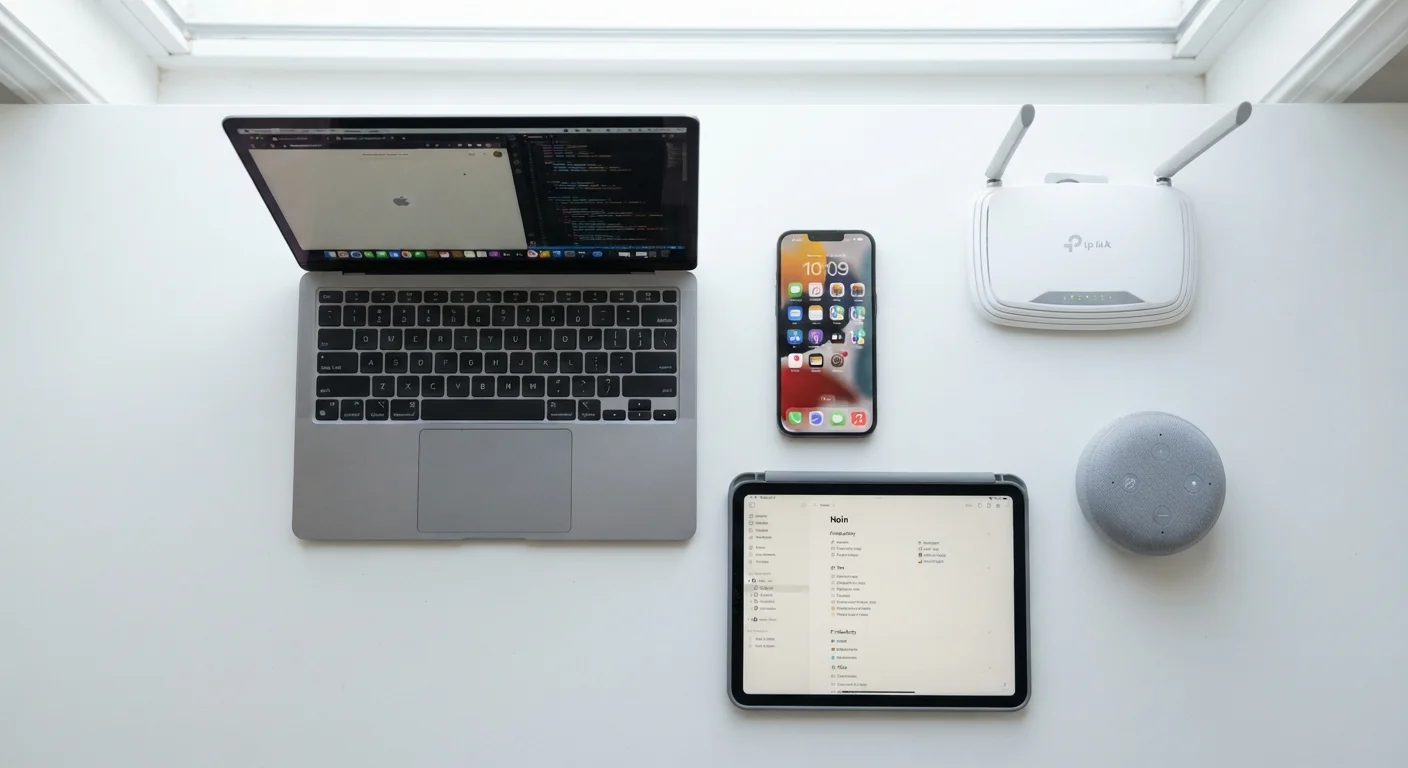
Why Device Lifespans Vary So Much
Not all consumer electronics wear out on the same schedule. A home router might hum along reliably for seven years while a flagship smartphone feels sluggish after three. The gap comes down to three intersecting forces: hardware degradation, software support cycles, and how intensively a device is used.
Hardware degrades in predictable ways - batteries lose charge capacity, mechanical components accumulate wear, and thermal stress slowly affects circuit performance. Software support is often the deciding factor for security-sensitive devices: once a manufacturer stops issuing updates, a device may still power on but is no longer safe to trust with sensitive data. Usage intensity compounds both. A laptop used eight hours a day in a warm environment will age faster than one used occasionally in a climate-controlled room.
For a broader introduction to how these devices work in the first place, see Understanding Personal Devices before diving into lifespan specifics.
Typical Lifespans by Device Category
The ranges below reflect general industry patterns and consumer experience data. Individual results will vary based on care, environment, and manufacturer practices.
- Smartphones: 3-5 years of full functionality. Most manufacturers provide OS updates for 3-5 years; after that, security risks grow. Battery performance typically degrades noticeably by year 2-3.
- Laptops: 4-7 years. Consumer-grade models trend toward the lower end; business-class machines built with more durable components often reach the higher end. Storage drives and cooling systems are common failure points.
- Tablets: 4-6 years. Tablets used mainly for media consumption last longer than those running demanding apps continuously.
- Home Wi-Fi routers: 5-8 years. Hardware rarely fails outright, but routers become security liabilities once firmware updates cease - typically 3-5 years after release.
- Smart speakers and displays: 4-7 years. These depend heavily on cloud services; if a manufacturer discontinues a platform, hardware becomes functionally obsolete regardless of physical condition.
- Wearables (smartwatches, fitness trackers): 2-4 years. Small batteries cycled daily degrade faster, and straps and sensors take constant physical wear.
- Desktop computers: 6-10 years, particularly when components like RAM or storage can be upgraded. The case and power supply often outlast the logic board.
These estimates assume normal use. Habits such as overcharging, poor ventilation, and skipping software updates can meaningfully shorten these windows - a topic explored in depth in habits that shorten a device's life.
Software support cycle
The period during which a manufacturer releases operating system updates and security patches for a device. Once support ends, the device may remain functional but becomes increasingly vulnerable to security threats.
Battery degradation
The gradual reduction in a battery's ability to hold a full charge over time, caused by repeated charge-discharge cycles and heat exposure. Most lithium-ion batteries retain around 80% capacity after 500 full cycles.
Firmware
Low-level software embedded in a hardware device - such as a router or smart TV - that controls its core functions. Manufacturers release firmware updates to fix bugs and security vulnerabilities.
Thermal stress
Damage to electronic components caused by repeated heating and cooling cycles or sustained high operating temperatures. Over time, thermal stress can degrade solder joints, batteries, and processors.
End of life (EOL)
The point at which a manufacturer officially stops providing updates, support, or replacement parts for a product. An EOL device may still work but carries increasing security and compatibility risks.
Factors That Extend or Cut Short a Device's Life
Lifespan estimates are starting points, not fixed outcomes. Several factors consistently push devices toward the longer or shorter end of their range.
3-5 years
Typical smartphone OS support window
Most major smartphone manufacturers commit to security updates for approximately 3 to 5 years after a device's release date.
~80%
Battery capacity after 500 charge cycles
Lithium-ion batteries, the standard in most consumer devices, typically retain around 80% of original capacity after 500 full charge cycles under normal conditions.
6-10 years
Desktop PC useful lifespan with upgrades
Desktop computers with upgradeable RAM and storage can remain functional and productive significantly longer than sealed portable devices.
Factors that extend lifespan
- Regular software updates: Patches fix bugs that cause hardware to work harder than necessary, protecting both performance and security.
- Proper thermal management: Keeping vents clear, avoiding use on soft surfaces that trap heat, and storing devices away from direct sunlight reduces long-term heat stress.
- Moderate charging habits: Avoiding full 0-100% charge cycles where possible, and not leaving devices plugged in indefinitely at 100%, slows battery degradation.
- Physical protection: Cases, screen protectors, and careful handling prevent the kind of damage - cracked screens, bent chassis - that makes devices feel prematurely unusable.
Factors that shorten lifespan
- Heat exposure: Sustained high temperatures are among the most damaging conditions for batteries and circuit components.
- Obsolete software support: A device without security updates becomes a liability before its hardware fails.
- High-intensity workloads: Running demanding tasks continuously - heavy gaming, video rendering - accelerates component wear.
- Ignored storage warnings: Devices operating near full storage capacity work harder and may experience performance issues and data corruption risks.
For practical steps to apply these principles, Device Longevity: Practical Ways to Get More Years from Your Hardware walks through specific, actionable approaches. And if you want the full picture - from unboxing to responsible disposal - Consumer Devices From Unboxing to End of Life covers each stage in detail.
Security Risk After Software Support Ends
When a device stops receiving security updates, it doesn't immediately stop working - but it does become a growing security risk. Routers and smartphones are particularly sensitive because they handle personal data and internet traffic. If your device has reached end of life for software support, consider whether continued use for sensitive tasks (banking, email, personal accounts) is appropriate, and consult current cybersecurity guidance for your situation.
The content on this site is for informational purposes only and is not a substitute for professional advice. Always consult a qualified professional for guidance specific to your situation.