

The Real Reasons Wi-Fi Doesn't Reach Every Room
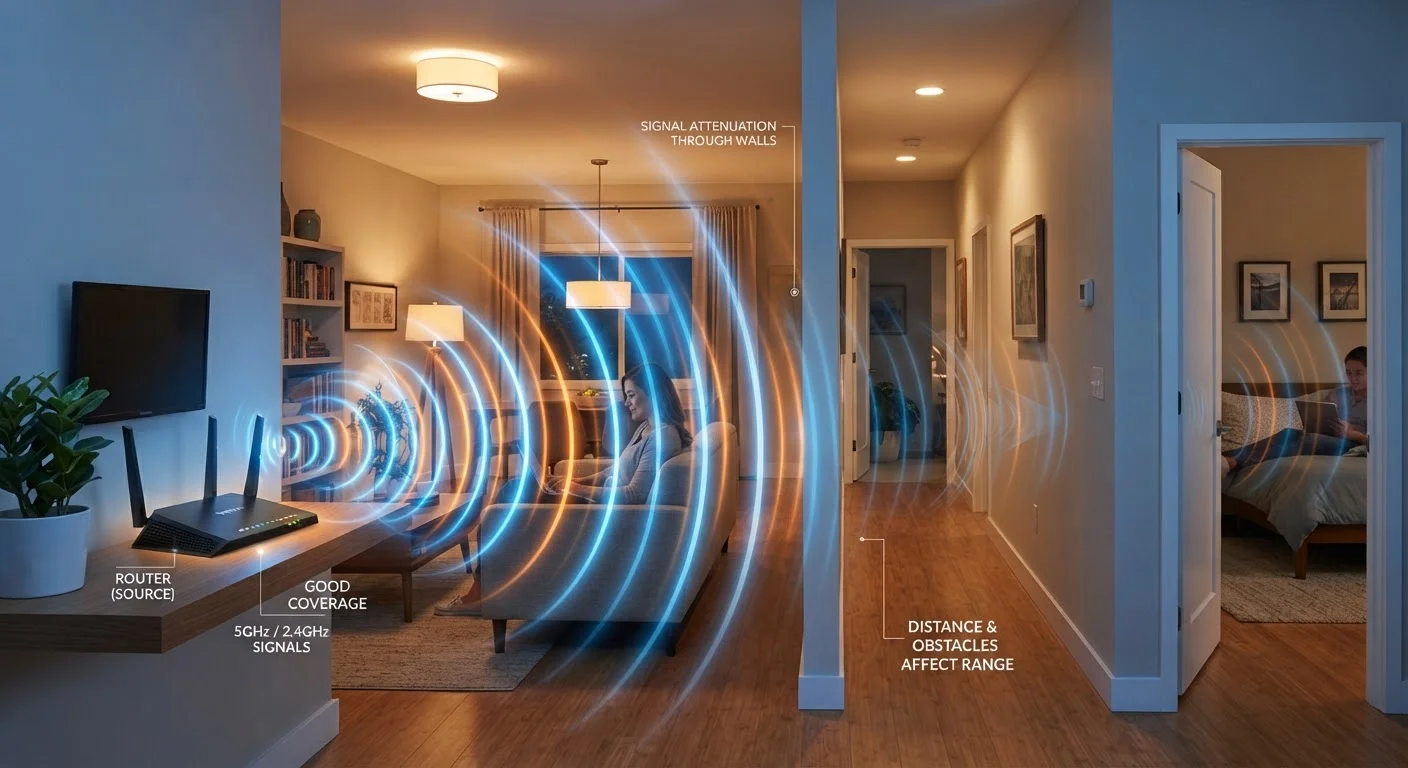
Dead zones in your home aren't a mystery - they follow predictable physical and technical rules. Understanding those rules is the first step toward fixing them. Wi-Fi signals travel as radio waves, and like all radio waves, they weaken with distance, bounce off hard surfaces, and get absorbed by dense materials. The layout of your home, the position of your router, and even the appliances nearby all shape where those signals go and how strong they remain.
Most households experience coverage problems not because their internet service is poor, but because the router is set up in a way that fights against basic physics. The mistakes below are the most common culprits - and nearly all of them are fixable without buying new equipment.
Placing the router in a corner, closet, or against an exterior wall.
Why it happens: Routers are often set up wherever the ISP technician installed the modem or wherever a cable port exists, which is frequently on an exterior wall or inside a utility closet.
Ignoring what the walls and floors between the router and devices are made of.
Why it happens: Most people assume Wi-Fi passes through all building materials equally. In reality, concrete, brick, metal studs, and tile absorb or reflect signals far more than standard drywall.
Using the 5 GHz band for devices in rooms that are far from the router.
Why it happens: Many routers advertise 5 GHz as the faster option, leading users to connect everything to it by default. However, 5 GHz signals lose strength much more quickly over distance than 2.4 GHz signals.
Positioning the router near microwaves, cordless phones, or baby monitors.
Why it happens: These appliances share the 2.4 GHz frequency range and are rarely thought of as wireless interference sources during router setup.
Never updating the router's firmware.
Why it happens: Router firmware updates don't install automatically on most models, and the update process isn't visible the way a phone or computer update would be.
How to Think About Coverage Before Spending Money
Once you've addressed placement, materials, and band selection, most everyday dead zones improve noticeably. But if problems persist, it's worth understanding the difference between a signal strength problem and a bandwidth problem. Common misconceptions about Wi-Fi speed often lead people to upgrade their internet plan when the real issue is coverage - something no plan upgrade resolves.
Avoid Assuming More Speed Fixes Dead Zones
Upgrading your internet plan increases bandwidth but does nothing to improve signal reach inside your home. A faster plan delivered to a poorly placed router still leaves distant rooms underserved. Coverage and speed are separate problems requiring different solutions.
For homes with thick walls, multiple floors, or a layout that makes central placement difficult, a mesh Wi-Fi system - which uses multiple coordinated nodes placed around the home - is a practical solution. Alternatively, a wired ethernet connection to a secondary access point in a hard-to-reach area provides reliable coverage without the limitations of wireless signal propagation. Either approach is more effective than simply buying a more powerful single router.
Router Position Matters More Than Anything Else
Placing your router in a corner, closet, or on the floor can cut effective coverage area by half or more. A central, elevated location - free of obstructions - is the most impactful change most households can make without spending a dollar. Before investing in any new equipment, reposition your router first.
For more on how specific network habits affect day-to-day performance, the physical and technical causes of signal drops are worth reviewing alongside any equipment changes you're considering.
~30%
Signal loss through a single interior wall
Research on wireless signal propagation commonly estimates that a standard drywall interior wall reduces Wi-Fi signal strength by roughly 30%, with denser materials causing far greater attenuation.
2-3x
Greater range of 2.4 GHz vs. 5 GHz indoors
The 2.4 GHz frequency band is generally documented to travel two to three times farther indoors than 5 GHz before signal degradation becomes significant.
The content on this site is for informational purposes only and is not a substitute for professional advice. Always consult a qualified professional for guidance specific to your situation.