

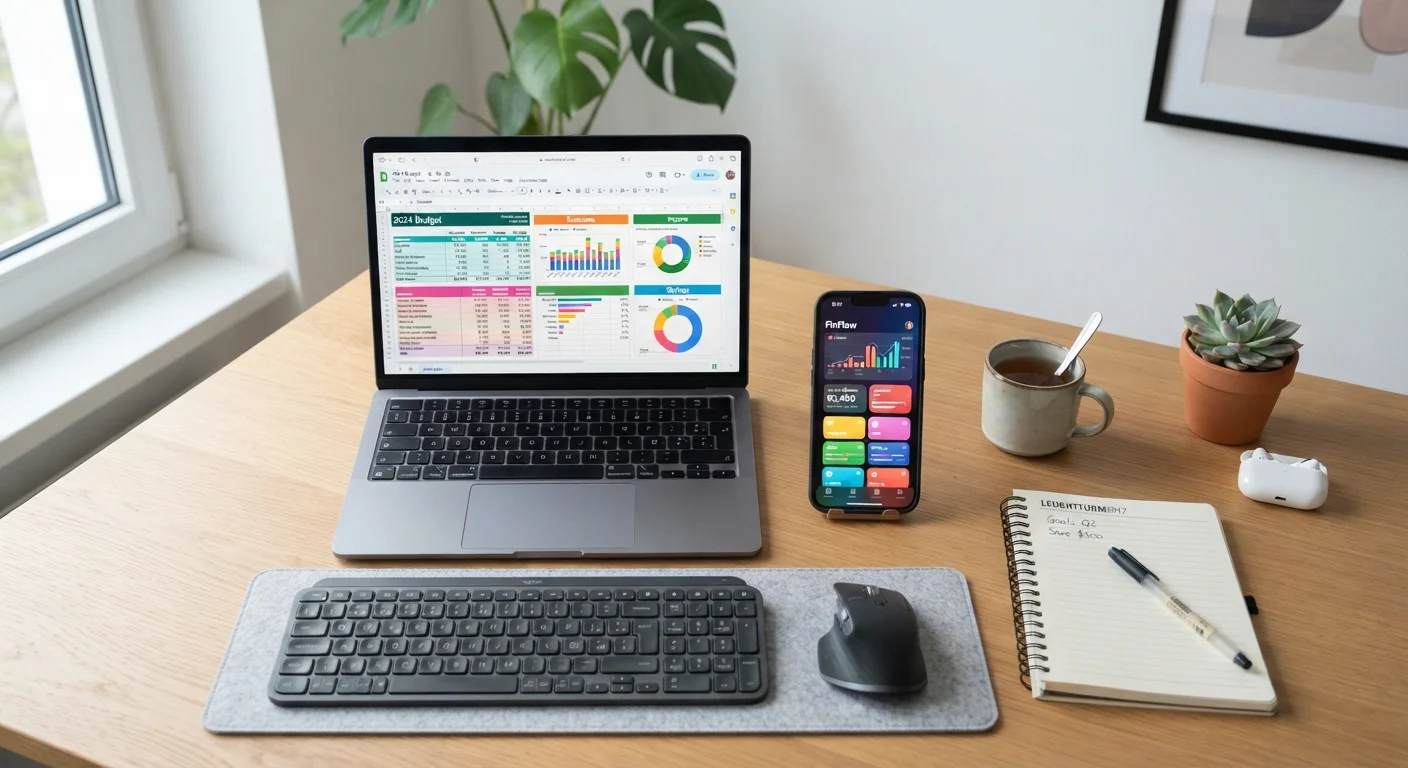
Option A
Spreadsheets
The fully customizable, hands-on classic.
Best for: Best for detail-oriented people who want complete control over their budget structure and formulas.
Option B
Budgeting Apps
The streamlined, automated modern approach.
Best for: Best for busy individuals who want quick visibility into spending with minimal manual effort.
How Each Tool Works
A spreadsheet - whether built in a program like Google Sheets or Microsoft Excel - is a blank grid you configure yourself. You decide the categories, the formulas, and the layout. Every transaction is entered manually, which means you control the data completely but also bear full responsibility for keeping it current.
A budgeting app is purpose-built software designed specifically for personal finance. Most apps connect directly to your bank and credit card accounts through secure data aggregation services, automatically importing and categorizing transactions. Many also offer dashboards, spending alerts, and goal-tracking features out of the box.
Understanding these structural differences is the foundation for choosing wisely. For a broader look at how these tools fit into a complete budgeting practice, see our complete personal budgeting resource.
| Criterion | Spreadsheets | Budgeting Apps |
|---|---|---|
| Data entry | Manual - user enters all transactions | Automated - syncs with bank accounts |
| Customization | Unlimited - fully user-defined | Limited to app's built-in framework |
| Cost | Free tools widely available | Many charge monthly or annual fees |
| Privacy | Data stays on your own device | Requires sharing bank credentials |
| Setup time | Higher - you build the structure | Lower - guided onboarding provided |
| Mobile access | Workable but not optimized | Native mobile experience |
| Error risk | Manual entry mistakes | Auto-categorization errors |
| Best for beginners | Requires some formula knowledge | More guided, lower learning curve |
The Case for Spreadsheets
Spreadsheets shine brightest when your financial situation doesn't fit neatly into a template. Irregular income, multiple income streams, or highly specific spending categories are all easier to model in a self-built sheet than inside an app's fixed framework.
There's also a learning dimension. Entering each transaction by hand forces a level of attention that automation skips. Research in behavioral finance consistently suggests that active engagement with spending data - rather than passive review - supports stronger budget adherence. This is closely related to what manual expense tracking advocates argue about pen-and-paper methods.
Cost is another factor. Free spreadsheet tools are widely available and capable enough for most personal budgets. There's no subscription to manage and no app to update.
Key limitations: Spreadsheets demand discipline. If you skip entries for a week, your data becomes unreliable. They also require at least basic formula knowledge to get meaningful automation, and they offer no mobile-friendly real-time alerts.
~33%
Americans with a detailed household budget
Gallup surveys have consistently found that fewer than one-third of American adults maintain a detailed household budget, highlighting how many people lack a tracking system of any kind.
65%+
Adults who say budgeting reduces financial stress
According to NFCC (National Foundation for Credit Counseling) consumer survey data, a majority of adults who budget regularly report feeling more in control of their finances.
The Case for Budgeting Apps
The strongest argument for budgeting apps is friction reduction. When transactions appear automatically, the barrier to checking your finances drops significantly. For people who have struggled to maintain a budget because manual entry felt like a chore, automation can be genuinely transformative.
Apps also tend to surface insights passively. Spending trends, category comparisons month-over-month, and net worth snapshots are often built in - information that would require additional spreadsheet work to replicate.
Key limitations: Most full-featured budgeting apps carry a subscription cost. More importantly, connecting your bank accounts means granting a third-party service access to your financial data. Reputable services use bank-level encryption, but users should read privacy policies carefully and understand how their data may be used or shared. If an app stops operating, exported data may be limited.
Apps can also create a false sense of control - automated categorization frequently makes errors (a hardware store purchase miscategorized as entertainment, for example), and uncorrected mistakes quietly distort your picture of spending.
To keep either tool effective month to month, the monthly spending audit checklist offers a practical review routine you can apply regardless of which platform you use.
A Note on App Security and Data Sharing
When a budgeting app connects to your bank, it typically uses a data aggregation intermediary that accesses your account with read-only credentials. While reputable services apply strong encryption, this connection does introduce a third party into your financial data chain. Before linking accounts, review the app's privacy policy to understand data retention practices, whether data is sold or shared with partners, and what happens to your information if you cancel. The Consumer Financial Protection Bureau (CFPB) has published guidance on consumer rights related to financial data sharing that may be useful reading.
Making the Right Choice for Your Habits
The honest answer is that the better tool is whichever one you'll use consistently. A sophisticated app that you ignore after two weeks is less valuable than a simple spreadsheet you update every Sunday.
Consider starting with a spreadsheet if you enjoy numbers, want to understand your finances at a granular level, or have privacy concerns about third-party data access. Consider a budgeting app if you've tried manual tracking before and abandoned it, or if your goal is a quick, low-effort snapshot of where your money goes.
Some people use both: an app for daily transaction visibility and a spreadsheet for monthly planning and goal modeling. There's no rule against a hybrid approach if it fits your workflow.
For a three-way comparison that also weighs pen-and-paper tracking against these digital options, see Tracking Every Dollar: Spreadsheet vs. App vs. Pen and Paper. And if you're starting your budget from scratch, Building a Personal Budget from Zero walks through the first steps regardless of which tool you choose.
This article is for general informational and educational purposes only and does not constitute personalized financial advice. Consult a qualified financial professional for guidance specific to your situation.
The content on this site is for informational purposes only and is not a substitute for professional advice. Always consult a qualified professional for guidance specific to your situation.