

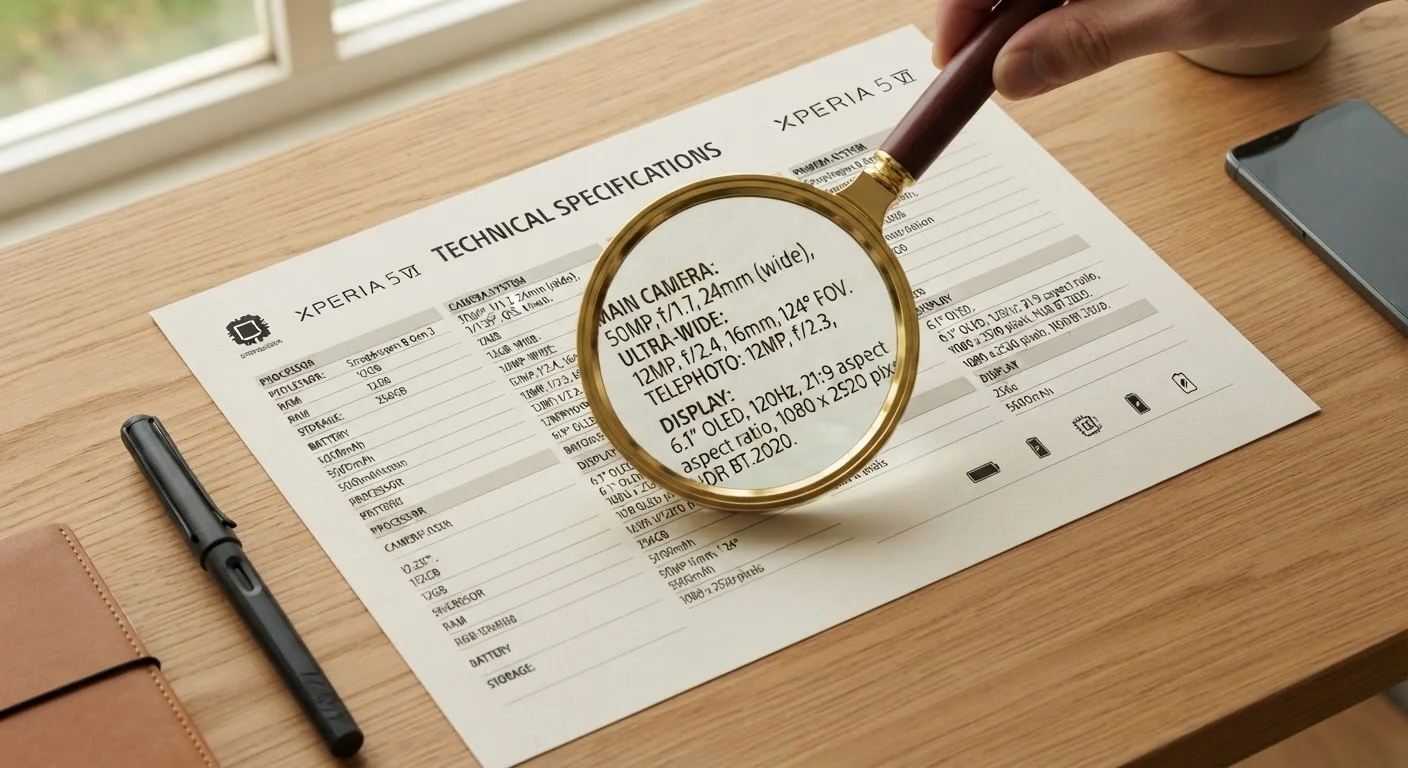
Why Spec Sheets Feel Overwhelming - and How to Change That
A device spec sheet is essentially a standardized data table - every row is a measurable attribute, and every number has a unit. The problem isn't that the information is hidden; it's that manufacturers assume readers already speak the language. If you've ever stared at a line reading "Octa-core 3.2 GHz, 12 GB LPDDR5, 256 GB UFS 3.1" and felt nothing useful, you're in good company.
The good news: you don't need to understand every term. Spec sheets follow predictable patterns, and mastering a handful of key concepts unlocks most of the practical value. If you're newer to device terminology overall, our introduction to personal devices provides useful grounding before you dive in.
For a quick-reference companion as you work through any spec sheet, the plain-language device spec glossary covers the terms you'll encounter most often.
Start With Your Use Case, Not the Numbers
Before opening a spec sheet, write down the two or three things you'll do most with the device - streaming video, taking photos, making calls. This keeps you focused on the specs that actually matter for your habits and prevents you from being swayed by numbers that sound impressive but won't affect your experience.
Step-by-Step: How to Read Any Device Spec Sheet
The steps below work for smartphones, tablets, laptops, and most other consumer electronics. Follow them in order the first few times; eventually the process becomes instinctive.
What you will need
Manufacturer's Official Spec Page
Provides the most complete and accurate spec listing, often with more detail than retail listings.
Plain-Language Spec Glossary
A reference guide to look up unfamiliar terms as you read - keeps you from guessing at meanings.
Identify the spec sheet's main categories
Most device spec sheets are organized into consistent sections: processor, memory, storage, display, camera, battery, and connectivity. Skim these headings first before reading any numbers. This gives you a mental map of the document and helps you jump directly to the categories that matter most for your use case.
Decode the processor (CPU) entry
The processor line usually lists a brand name, a model name, and a clock speed in GHz (gigahertz). Clock speed indicates how fast the processor cycles, but it isn't the only measure of performance - the number of cores and the chip's architecture also matter. For everyday tasks like browsing and streaming, a modern mid-range processor is typically sufficient. High GHz numbers only become relevant if you plan to run demanding software or games.
Distinguish RAM from storage
This is where many readers stumble. RAM (Random Access Memory) is short-term working memory - it holds whatever the device is actively doing right now. Storage (measured in GB or TB) is long-term space for your files, apps, photos, and operating system. A device with 8 GB of RAM and 128 GB of storage has plenty of working speed but modest file capacity. Confusing the two leads to buying a device that feels slow (too little RAM) or runs out of space (too little storage) unexpectedly.
Read the display specs that affect daily use
Three display specs make a real difference to everyday experience:
- Resolution (e.g., 1080p, 2K, 4K): Higher resolution means sharper text and images. On a small phone screen, the difference between 1080p and 4K is subtle; on a large monitor, it's obvious.
- Refresh rate (Hz): A 60 Hz display updates 60 times per second. A 120 Hz display updates twice as fast, making scrolling and animation look smoother. You'll notice this most when scrolling through a webpage or playing a game.
- Brightness (nits): Higher nit counts mean better visibility in bright sunlight. For outdoor use, look for 500 nits or above as a general orientation point.
Interpret the IP rating for durability
An IP (Ingress Protection) rating like IP68 tells you how resistant a device is to dust and water. The first digit (0-6) rates dust resistance; the second digit (0-9) rates water resistance. IP68 - the highest common consumer rating - means the device is fully dust-tight and can be submerged in water beyond 1 meter, under conditions specified by the manufacturer. IP67 is similar but rated to 1 meter for 30 minutes. No IP rating means no tested protection. This spec is especially worth checking if you use devices near water or in dusty environments.
Check connectivity and battery specs last
Connectivity lists supported Wi-Fi standards (e.g., Wi-Fi 6, Wi-Fi 6E), Bluetooth version, and cellular bands (4G LTE, 5G). These matter if you have a specific network or accessory requirement. Battery capacity is listed in mAh (milliamp-hours) - a larger number generally means longer life, but screen size, brightness, and software efficiency all affect real-world results. Also note whether fast charging or wireless charging is supported, as these are not universal.
Specs Alone Don't Tell the Whole Story
Manufacturers measure and report specs under controlled or ideal conditions. A battery rated at 5,000 mAh may last 12 hours for one user and 7 for another depending on screen brightness, app usage, and network activity. Use specs as a starting point for comparison, not a guarantee of real-world performance.
Watch for Marketing Language in Spec Sheets
Terms like 'up to' in speed or battery figures signal best-case scenarios, not typical performance. Similarly, camera megapixel counts describe sensor resolution but say nothing about lens quality, software processing, or low-light capability. Treat superlatives with healthy skepticism and look for context.
Putting It All Together
Reading a spec sheet well is a skill built on pattern recognition. The first time takes effort; by the third device, you'll scan the relevant rows in under a minute. Focus on the specs tied to your actual use - display quality for media watchers, battery and weight for commuters, IP rating for active users - and treat the rest as background context.
Interestingly, the same disciplined, category-by-category approach applies to other information-dense consumer documents. If you've worked through a nutrition label, you already know how to filter signal from noise in a structured data format - the mindset transfers directly.
When in doubt, the manufacturer's official spec page is more reliable than retailer listings, which sometimes omit or simplify details. Cross-reference if a number seems unusually high or vague.
The content on this site is for informational purposes only and is not a substitute for professional advice. Always consult a qualified professional for guidance specific to your situation.