

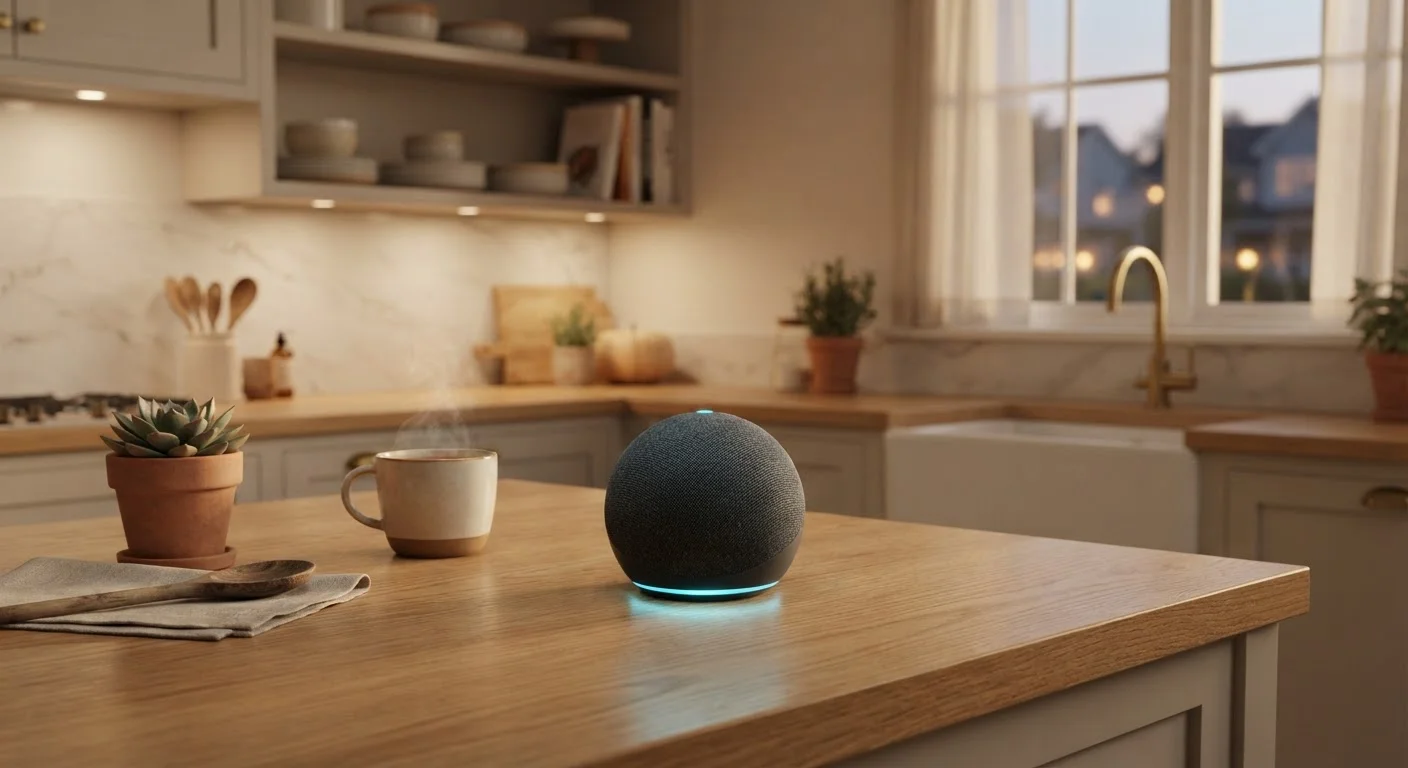
How a Smart Speaker Hears You
Every smart speaker contains an array of microphones - typically two to seven - arranged to pick up sound from multiple directions. This array uses a technique called beamforming, which focuses the microphones toward the direction of the loudest voice signal, filtering out ambient noise like music or TV in the background.
The audio captured by those microphones is first analyzed entirely on the device by a small, dedicated processor. This local chip runs a lightweight model trained to recognize only the wake word. It listens around the clock but discards everything that doesn't match. This means general household conversation is never transmitted anywhere - only what follows the wake word gets packaged and sent onward.
False Activations Are a Known Limitation
Wake-word detection is powered by pattern-matching models that are accurate but not perfect. TV dialogue, similar-sounding words, or background voices can occasionally trigger the speaker unintentionally. If this happens often, most devices allow you to retrain the wake-word model or lower microphone sensitivity in the app settings.
Understanding what "smart" means in this context can help frame the broader picture - see our article on what 'smart' actually means in consumer electronics for a fuller explanation.
What Happens in the Cloud
Once a wake word is detected, the speaker records the spoken command and transmits it as a compressed audio file to the manufacturer's cloud servers. This round trip - from your mouth to a data center and back - typically takes under a second on a decent internet connection.
On those servers, two key processes run in sequence. First, automatic speech recognition (ASR) converts the audio into a text transcript. Second, natural language processing (NLP) interprets the meaning of that text - distinguishing a question from a command, identifying the subject, and determining the best response.
The cloud then generates an answer, whether that's fetching weather data, queuing a song, or triggering a connected device, and sends audio back to your speaker.
~1 sec
Typical cloud response round-trip time
On a standard broadband connection, the full cycle from wake word to spoken answer typically completes in under one second, according to general industry benchmarks.
35%
U.S. adults who own a smart speaker
Pew Research Center surveys have found roughly one-third of American adults report owning a smart speaker, reflecting widespread adoption of voice-activated technology in the home.
Privacy: What Gets Stored and What You Can Control
By default, most smart speaker platforms store voice recordings on their servers to improve recognition accuracy over time. These recordings are typically tied to your account and can be reviewed through a companion smartphone app or web dashboard.
Most platforms offer options to automatically delete recordings after a set period - 3 months, 18 months, or on a rolling basis - and allow manual deletion at any time. Muting the microphone using the physical button on the device is the most reliable way to prevent any audio from being captured while you're not actively using the speaker.
Review Your Voice History Regularly
Open the companion app for your smart speaker every few months and check your stored voice recordings. Most platforms make it straightforward to delete recordings in bulk or set an automatic deletion schedule. This is one of the most effective steps you can take to limit how much of your voice data is retained over time.
Smart speakers are just one piece of a broader personal technology ecosystem. The guide on how consumer devices fit together explains how they interact with phones, routers, and other connected devices.
Smart Speakers as Home Hubs
Beyond answering questions and playing audio, smart speakers can act as a command center for other connected devices in your home. When you ask the speaker to dim the lights or adjust the thermostat, it sends instructions through the cloud to compatible devices that share the same platform or support open standards like Matter or Zigbee.
Some higher-end speakers include a built-in hub radio, allowing them to communicate directly with smart home devices over short-range protocols without routing everything through Wi-Fi. This can make the system more reliable, especially when multiple devices are involved.
Frequently Asked Questions
No - smart speakers are designed to listen only for their wake word locally on the device. Audio is not sent to the cloud until the wake word is detected. However, false activations can occur, so it's worth reviewing your voice history in the companion app and adjusting sensitivity settings.
Most smart speaker functions require an active internet connection because the heavy processing happens on remote servers. Without Wi-Fi, you generally can't ask questions, stream music, or control smart home devices. Some limited functions like Bluetooth audio playback may still work offline.
Yes. Most major smart speaker platforms provide a companion app or web dashboard where you can review, delete, or set automatic deletion schedules for stored voice recordings. Check the privacy settings in the app associated with your device.
Smart speakers communicate with compatible devices - lights, thermostats, locks - over protocols like Wi-Fi, Zigbee, or Z-Wave. You issue a voice command, the speaker's cloud service interprets it, and a signal is sent to the target device. Many speakers act as a central hub for the entire home network.
A wake word (such as "Alexa" or "Hey Google") is a short phrase the device recognizes using a small, always-on processor that runs directly on the speaker. This local chip detects only the wake word pattern - it does not transcribe or upload general conversation.
The content on this site is for informational purposes only and is not a substitute for professional advice. Always consult a qualified professional for guidance specific to your situation.