

Where the Word 'Smart' Comes From
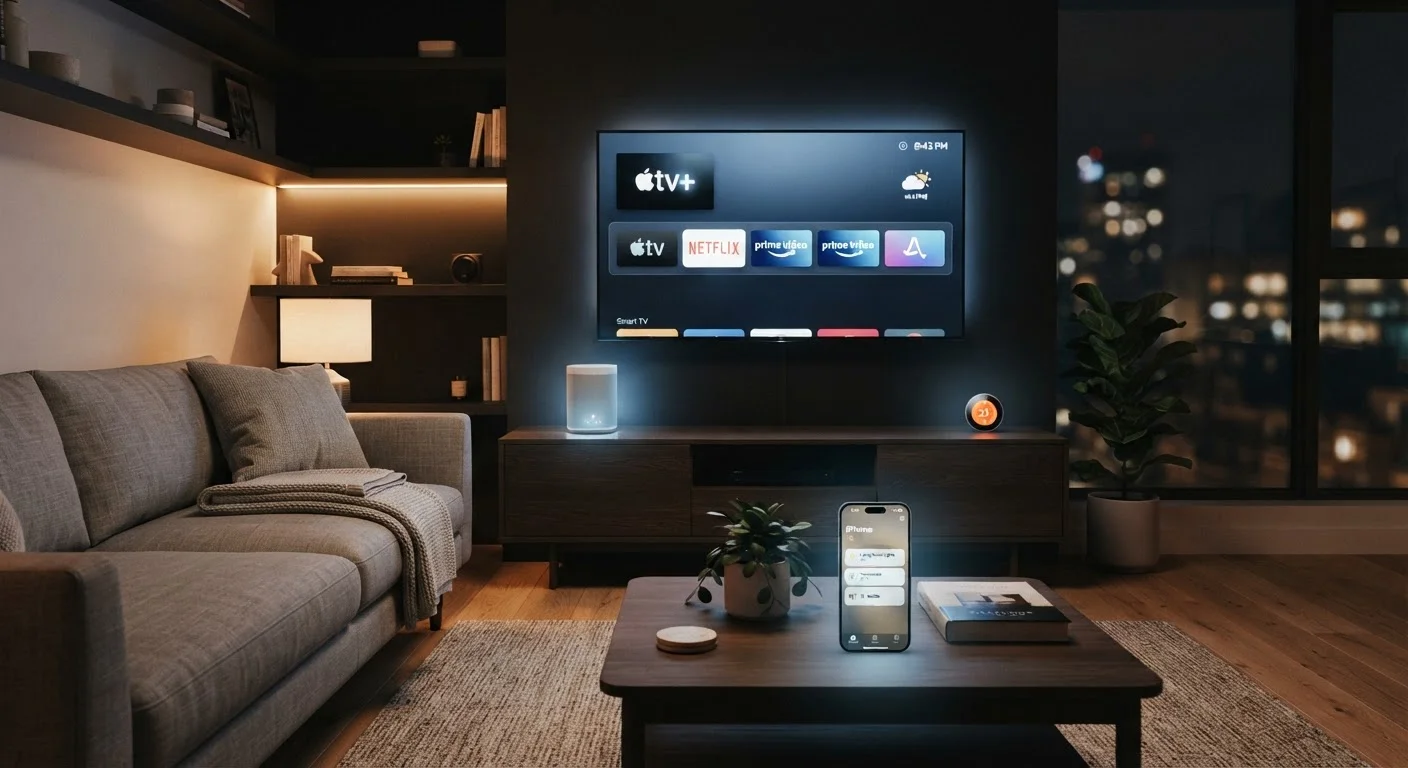
Walk through any electronics aisle and you will see 'smart' attached to televisions, speakers, doorbells, refrigerators, and even electrical outlets. The word has become so widespread that it risks losing meaning - but it does have a consistent technical core.
The term emerged in the 1990s alongside early networked devices, borrowing from the acronym S.M.A.R.T. used in hard drives. Consumer marketing then adopted 'smart' as shorthand for any device that could connect, compute, and communicate. What started as a technical descriptor became a product category and, eventually, a brand promise.
For practical purposes, 'smart' reliably signals three things: a processor running software, a wireless radio for networking, and the ability to exchange data with other systems. If a device lacks all three, it may have smart-adjacent features - like a programmable timer - but it is not truly smart in the modern sense.
For a broader foundation on how devices fit together, see our starting-point guide to personal devices.
The Three Core Capabilities of Any Smart Device
Beneath the marketing, every genuinely smart device shares a common architecture:
- Processing: An onboard chip runs firmware or a lightweight operating system. This lets the device make decisions - dimming lights at sunset, detecting motion, adjusting temperature - without constant instruction from you.
- Connectivity: The device communicates over Wi-Fi, Bluetooth, or a low-power mesh protocol. Understanding how these wireless standards differ helps explain why some devices pair easily while others require a separate hub.
- Data exchange: Smart devices send information to a cloud server or another local device, and they receive instructions back. This loop - sense, transmit, act - is what separates a smart thermostat from a programmable one.
15.1B
Connected IoT devices active globally
According to IoT Analytics' 2023 State of IoT report, active connected device installations exceeded 15 billion worldwide, underlining how pervasive 'smart' technology has become.
~30%
Smart home owners report compatibility issues
A Parks Associates consumer survey found that roughly three in ten smart home device owners have experienced compatibility problems between devices from different manufacturers.
These three layers work together. Remove any one of them and the device's 'smart' features collapse. A connected light bulb that cannot run local processing, for instance, becomes a plain bulb the moment its supporting server goes offline.
What 'Smart' Does Not Automatically Mean
Connectivity is a feature set, not a quality guarantee. A smart TV does not display a better picture simply because it runs apps; a smart lock is not inherently more secure than a well-engineered deadbolt. Evaluating a smart device requires separating its networking capabilities from the underlying hardware quality.
'Smart' also does not guarantee compatibility. Devices from different manufacturers often operate in separate ecosystems, and getting them to work together can require additional hardware, specific apps, or shared standards like Matter - an interoperability protocol introduced to help devices from different brands communicate more reliably.
Check for a Privacy Policy Before You Buy
Most smart devices link to a privacy policy in their app or packaging. Before purchasing, look for answers to three questions: what data the device collects, whether it shares that data with third parties, and whether you can delete your data on request. If those answers are not accessible, that itself is useful information.
Privacy is another dimension that 'smart' leaves unaddressed. Because these devices collect and transmit usage data, the relevant questions are: what data is collected, where is it stored, who can access it, and can you opt out of sharing? Labels and spec sheets rarely answer these questions up front.
For a grounded look at specifications that do appear on packaging, our plain-language device spec glossary covers the terms you will encounter most.
Applying This to Real Purchasing Decisions
Knowing what 'smart' actually means helps frame the right questions before buying a connected device:
- Do I need this capability? Remote control and automation add genuine value in some contexts - adjusting your home's temperature before you arrive, for example. In others, the added complexity outweighs the benefit.
- What ecosystem does it join? A device that works only through a proprietary app can become a dead end if the company changes direction. Devices built on open standards tend to remain more useful over time.
- How long will it be supported? Software updates are what keep smart devices secure and functional. A short support window is a meaningful limitation, not a fine-print detail.
For a detailed look at how smart home devices perform in everyday use - including where the friction hides - this balanced overview of smart home technology is a useful next step. And if you want to see how individual smart devices fit into a larger personal technology setup, our complete ecosystem overview covers the full picture.
Frequently Asked Questions
'Smart' describes connectivity features, not overall build quality or reliability. A device can have excellent Wi-Fi integration and still be poorly constructed. Evaluate smart features and hardware quality separately when assessing any product.
Many smart devices have limited functionality without internet access. Basic operations - like a smart bulb turning on manually - may still work, but remote control, app features, and voice assistant integration typically require a live connection.
Smart devices do collect usage data, and some collect more than others. Reading a device's privacy policy and adjusting its data-sharing settings are practical first steps. Understanding what data a device gathers before you buy is a reasonable precaution.
The most common are Wi-Fi, Bluetooth, Zigbee, and Z-Wave. Wi-Fi offers the broadest range and speed; Bluetooth is suited for short-distance pairing; Zigbee and Z-Wave are low-power mesh protocols common in smart home sensors and locks.
When software support ends, a device may stop receiving security patches and app updates, and cloud-dependent features can cease working entirely. This is sometimes called 'bricking by server shutdown.' It is worth checking a manufacturer's stated support window before purchasing.
The content on this site is for informational purposes only and is not a substitute for professional advice. Always consult a qualified professional for guidance specific to your situation.