

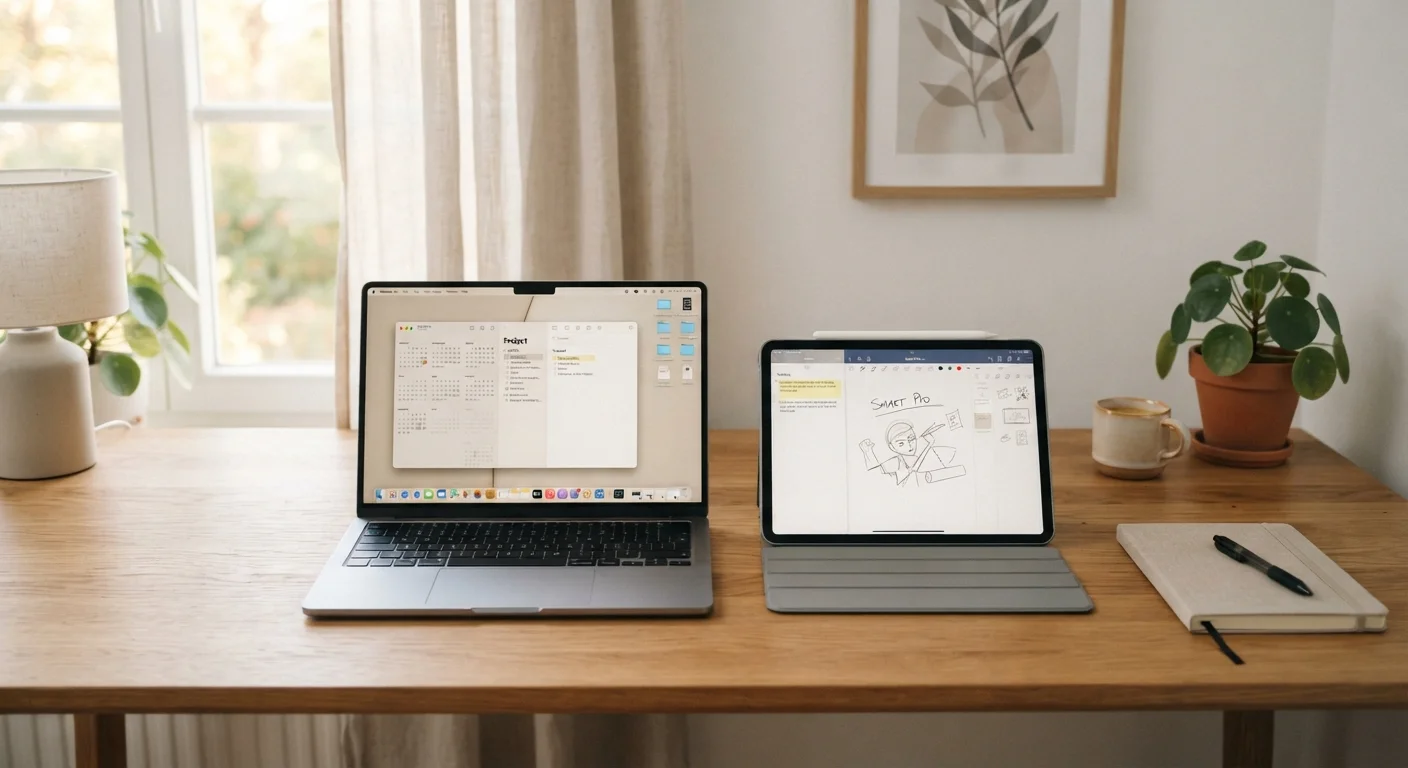
Option A
Tablet
The portable, touch-first companion for consumption and casual tasks.
Best for: People who primarily browse, stream, read, and want a lightweight device they can use anywhere.
Option B
Laptop
The versatile, keyboard-driven workhorse for productivity and creation.
Best for: People who type frequently, run complex software, or need a single device for both work and personal use.
What Actually Separates a Tablet from a Laptop
The hardware gap between tablets and laptops has narrowed considerably. Some tablets now ship with attachable keyboards and stylus support. Some laptops fold into tablet-like modes. Even so, each format still carries a distinct set of trade-offs rooted in its original design intent.
A tablet is built around a touchscreen as the primary input. That means it is optimized for tapping, swiping, and holding - gestures that work naturally when you are scrolling a news feed, watching a video, or reading an e-book. The form factor keeps weight down and battery life comparatively high during passive use.
A laptop is built around a keyboard and trackpad as primary inputs. That shapes everything from the operating system to how software is designed. You get a file system you can navigate directly, windows you can resize and stack, and access to the full desktop versions of most applications.
The question is not which device is technically superior. It is which input model and software environment fits how you actually spend time on a screen. Exploring the practical differences in depth can help clarify this further.
Portability, Input, and Everyday Practicality
| Criterion | Tablet | Laptop |
|---|---|---|
| Typical weight | Under 1.5 lbs | 2-5 lbs |
| Primary input | Touchscreen | Physical keyboard & trackpad |
| Battery life (passive use) | Often 10-12+ hours | Varies widely, typically 6-12 hours |
| Software breadth | Mobile/tablet apps | Full desktop applications |
| File system access | Limited or abstracted | Full access |
| Multi-window workflows | Limited on most platforms | Fully supported |
| Best use position | Held, lap, flat surface | Desk or stable flat surface |
Portability is where tablets win most clearly. A mid-size tablet typically weighs under a pound and can slip into a tote bag or large jacket pocket. Most laptops, even slim ones, weigh two to four pounds and require a dedicated bag. For commuters, travelers, or anyone who uses a device while standing or lying down, that difference is felt immediately.
Input is where laptops still have a meaningful edge. If you type more than a few hundred words a day - emails, reports, messages - a physical keyboard is noticeably more comfortable over long sessions. Touchscreen keyboards on tablets require you to look at the screen and offer no tactile feedback, which slows most people down. A keyboard case for a tablet helps, but the shallow key travel and cramped layout of most accessories do not fully replicate a laptop keyboard experience.
Software versatility matters too. Laptops run full operating systems - Windows, macOS, Linux - that support the widest range of professional and creative applications. Tablet operating systems have improved substantially, but gaps remain, particularly for industry-specific tools, file management, and multi-window workflows. If you share a device with others in your household, account separation and privacy settings become a practical consideration regardless of which format you choose.
~1 lb
Typical tablet weight (mid-size)
Most mainstream tablets weigh between 0.65 and 1.5 lbs, making them substantially lighter than the average laptop for on-the-go use.
~40%
US adults who own both a tablet and a laptop
Pew Research Center surveys have consistently found a large share of US adults maintain both device types, suggesting many find them complementary rather than interchangeable.
Making the Call: Questions Worth Asking Yourself
Rather than defaulting to whichever device seems more impressive on paper, walk through a few honest questions about your habits.
- How much do you type? If email, writing, or spreadsheets are regular parts of your day, a laptop is likely the more comfortable long-term choice.
- Where do you use a screen most? Couch, bed, commute, and travel favor a tablet. A desk or table favors a laptop.
- What software do you actually need? List the two or three applications you use most. Check whether full-featured versions exist on tablet platforms - not just mobile-adapted versions.
- Do you need one device or two? Some people find a tablet supplements a laptop well for reading and media, while the laptop handles work. Others want to simplify down to one device.
Connectivity also plays a role. Whether a device uses Wi-Fi only or supports a cellular data connection affects how useful it is away from home. Understanding how wired and wireless connections behave differently can inform that part of the decision too.
There is no universally correct answer. The right device is the one that reduces friction in your actual daily routine - not the one with the longer specification sheet.
Keyboard Cases: A Middle-Ground Option
Many tablet users add a keyboard case to get closer to a laptop-style experience. These accessories improve typing comfort considerably, but most have shallower key travel and smaller touchpads than dedicated laptops. They also add weight and cost. If you find yourself needing a keyboard case for most of your tasks, it may be worth reconsidering whether a lightweight laptop better fits your actual usage pattern.
The content on this site is for informational purposes only and is not a substitute for professional advice. Always consult a qualified professional for guidance specific to your situation.