

Our Verdict
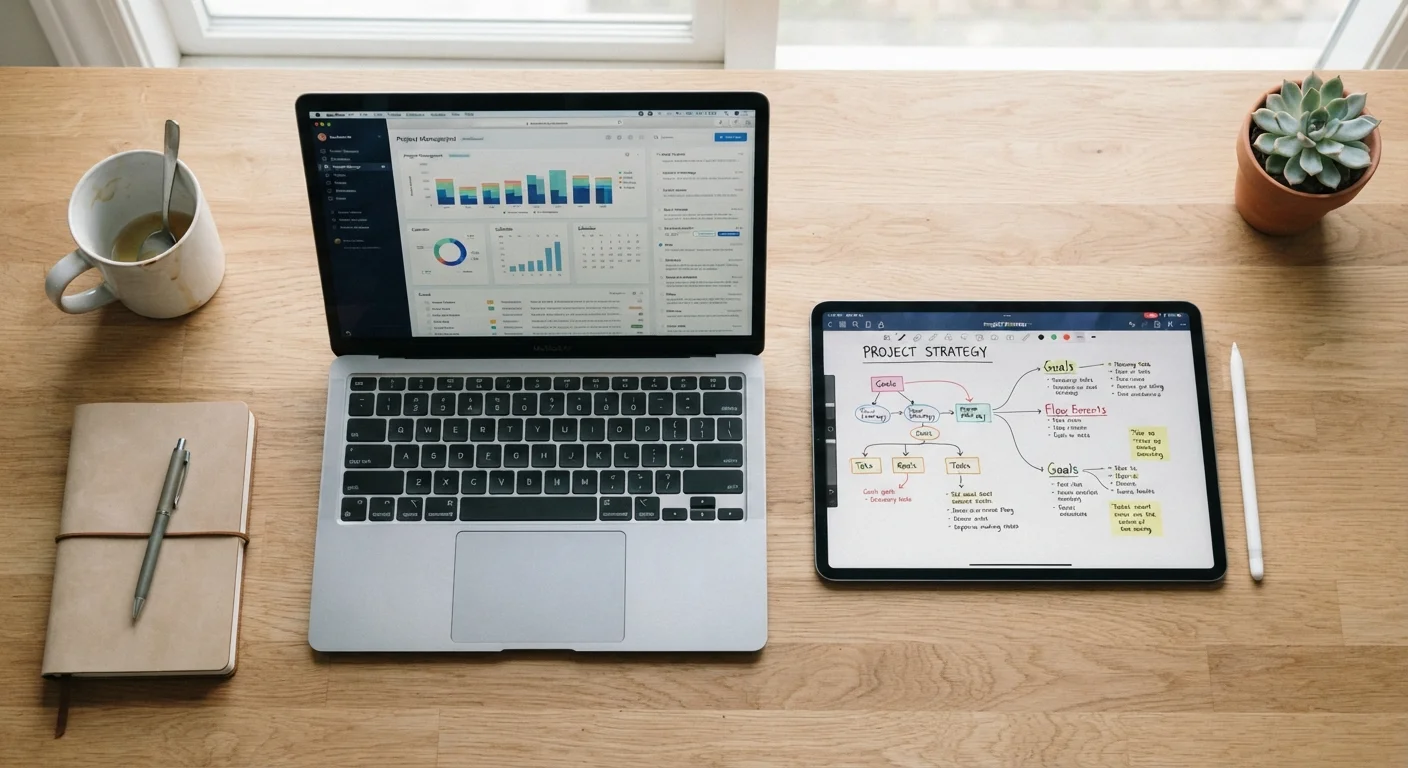
Tablets and laptops each genuinely excel in different conditions. Tablets win on portability and touch-first use; laptops win on sustained productivity. Understanding where you spend most of your screen time is the clearest guide to which device type will feel natural rather than frustrating.
| Best for | Recommended |
|---|---|
| Readers, media consumers, and light everyday users | Tablet |
| Writers, students, and anyone doing sustained task work | Laptop |
| Users who want flexibility across both modes | 2-in-1 hybrid device |
Why the Question Is Worth Thinking Through Carefully
The tablet-versus-laptop decision trips people up because both devices look similar on the surface - a screen, apps, internet access. But the way you physically interact with each one shapes nearly every experience you'll have. Before comparing specs, it helps to ask: What do I actually do with a device most days?
If you're mostly reading articles, watching video, checking email, and scrolling social feeds, those tasks are well-suited to a touchscreen held in your hands. If you write long messages, manage spreadsheets, or switch between multiple browser tabs and applications, the absence of a physical keyboard starts to feel like a real limitation fast. For a broader foundation on how these device categories differ at a fundamental level, see Understanding Personal Devices.
Where Each Device Has a Real Edge
Tablets are purpose-built for consumption and convenience. Their lighter weight, longer average battery life in standby, and touch-first interfaces make them natural for commutes, couch browsing, and reading. The absence of a hinge and fan means fewer mechanical parts and a slimmer profile.
Laptops carry a structural advantage the moment writing volume or task complexity increases. A physical keyboard changes how quickly and accurately people produce text. Multi-window workflows - comparing documents, jumping between a spreadsheet and a browser - are handled more naturally on a larger screen with a cursor-based interface. Most professional and creative software also assumes a laptop or desktop environment.
| Tablet | Laptop | |
|---|---|---|
| Primary input method | Touchscreen | Physical keyboard + trackpad |
| Typical weight | 1-2 lbs | 3-6 lbs |
| Best for | Media, reading, light browsing | Writing, multitasking, software work |
| Software ecosystem | App-based, mobile-first | Full desktop applications |
| External keyboard option | Available as accessory | Built-in |
| Multitasking ease | Limited screen real estate | Strong with multiple windows |
| Portability for travel | High - slim, light, no hinge | Moderate - requires bag or case |
It's also worth considering how a device will be used within a household. If multiple people share one screen, account separation becomes important - something worth reading about in our guide to shared personal devices.
The Input Gap: Why Typing Matters More Than It Seems
Touch keyboards on tablets are functional for short responses, but most people slow down considerably when drafting longer content. External keyboards can be added, but that introduces accessories, cost, and the friction of setup - at which point the portability advantage of the tablet narrows.
Try a Realistic Task Test Before Deciding
Before committing to either form factor, spend a week noticing how much of your screen time involves typing versus viewing. If you finish most sessions having typed fewer than a hundred words, a tablet is likely sufficient. If you regularly draft emails, documents, or messages of any length, the physical keyboard of a laptop will likely serve you better over time.
Conversely, a laptop's trackpad and keyboard are always present, always the same distance apart, and optimized for the kind of back-and-forth between typing and navigating that knowledge work requires. If your honest self-assessment is that you type a lot, this single factor often settles the question.
Connectivity, Hybrid Options, and Practical Limits
Both device types now connect via Wi-Fi, and some tablets offer cellular data options. How a device connects can affect reliability and speed depending on your environment - a topic worth exploring in more depth through our wired vs. wireless trade-offs article.
2-in-1 devices - laptops whose screens detach or fold flat - attempt to combine both form factors. They can work well for people who genuinely need both modes. But compromises exist: they're often heavier than tablets when used as tablets, and their keyboards are sometimes less comfortable than dedicated laptop keyboards. They're worth considering, but rarely solve the decision cleanly.
A side-by-side look at these trade-offs in practical scenarios is also available in our tablet vs. laptop everyday use breakdown.
~55%
US adults who own a laptop or desktop
Pew Research Center surveys consistently show laptops and desktops remain the primary computing device for a majority of US adults.
~53%
US adults who own a tablet
Pew Research Center data indicates tablet ownership has remained relatively stable among US adults in recent years.
The content on this site is for informational purposes only and is not a substitute for professional advice. Always consult a qualified professional for guidance specific to your situation.