

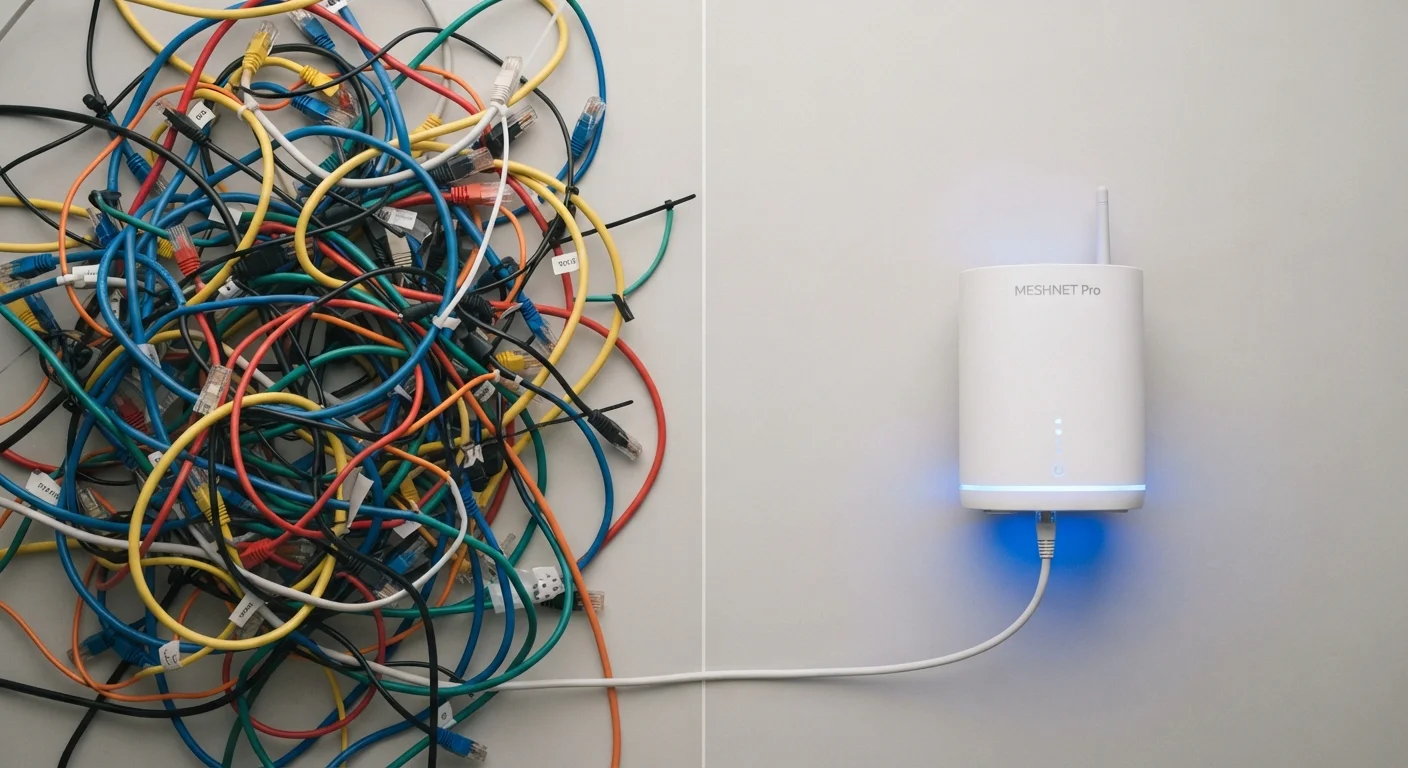
Option A
Wired Connections
The consistent, low-interference choice for stationary devices.
Best for: Desktop computers, gaming consoles, smart TVs, and any device where stability and low latency matter more than mobility.
Option B
Wireless Connections
The flexible, cable-free option for mobile and multi-room use.
Best for: Laptops, smartphones, tablets, and smart home devices that move around or need to connect from anywhere in the home.
What the Connection Type Actually Controls
When a device connects to a network - whether a home router or a direct peripheral link - the physical or radio medium carrying the data affects three core things: speed, latency, and reliability. These are not the same thing, and understanding the difference helps explain why a device with blazing Wi-Fi speeds can still feel sluggish during a video call.
Speed refers to how much data can move per second. Latency (sometimes called ping) is how long it takes a single signal to make a round trip - low latency feels snappy; high latency feels laggy. Reliability describes how consistently the connection holds those numbers over time. See our explainer on latency and ping for a deeper look at why this metric matters beyond raw speed.
Wired connections - typically ethernet cables for networks, or USB and audio jacks for peripherals - create a dedicated physical channel between two points. Wireless connections, including Wi-Fi and Bluetooth, transmit data through radio waves that share spectrum with other devices. That fundamental difference drives almost every practical trade-off discussed below.
| Criterion | Wired | Wireless |
|---|---|---|
| Latency | Lower and more stable | Higher, can fluctuate |
| Speed consistency | Very consistent | Varies with signal strength |
| Mobility | None - device must be stationary | Full - move anywhere in range |
| Setup complexity | Requires cables and ports | Quick, minimal hardware |
| Interference risk | Very low | Moderate - shares radio spectrum |
| Security exposure | Lower - physical access required | Slightly higher - signal extends beyond walls |
| Best device type | Desktops, consoles, smart TVs | Phones, laptops, smart home devices |
Where Wired Connections Have a Genuine Edge
A wired ethernet connection to your router delivers a signal that does not have to compete with neighboring networks, microwave ovens, baby monitors, or the dozen other Wi-Fi devices in a typical home. That isolation translates into three consistent advantages.
Lower latency. Radio signals introduce small but measurable delays compared to electrons moving through copper. For most casual browsing, this gap is invisible. For online gaming, voice-over-IP calls, or trading platforms, even milliseconds matter. Our Wi-Fi vs. Ethernet comparison explores this in detail for home use cases.
Consistent throughput. Wireless performance fluctuates with distance, obstacles, and interference. A wired connection delivers the same speed whether the router is in the next room or across the building, provided the cable quality and length are appropriate.
Security. An attacker must have physical access to intercept a wired connection. Wireless signals radiate beyond your walls, making them at least theoretically accessible to anyone within range, though modern encryption standards have significantly reduced this risk.
~1-5 ms
Typical wired ethernet latency
Ethernet connections commonly deliver round-trip latency in the low single-digit millisecond range under normal home network conditions.
10-50 ms
Typical home Wi-Fi latency range
Wi-Fi latency varies widely based on interference, distance from the router, and network congestion within the home.
9.6 Gbps
Maximum theoretical speed of Wi-Fi 6
Wi-Fi 6 (802.11ax) raises the theoretical ceiling significantly, though real-world speeds depend on router, client hardware, and environment.
Where Wireless Connections Make More Sense
Wireless is not merely a compromise - for many devices and scenarios, it is the clearly superior choice.
Mobility. A laptop, phone, or tablet is designed to move. Tethering it to a cable defeats its purpose. Wireless lets you take a video call from the kitchen, stream music on the patio, or work from any room without reconfiguring anything.
Ease of deployment. Running ethernet through walls requires planning, equipment, and often professional help. Wireless extends a network to new areas in minutes. For renters or those who move frequently, wireless is often the only practical option.
Smart home compatibility. Most smart home sensors, cameras, and voice assistants are built for wireless-only operation. Our balanced overview of smart home devices explains where wireless integration works smoothly and where friction tends to appear.
Wi-Fi technology has also improved substantially. Modern Wi-Fi 6 and Wi-Fi 6E standards deliver faster speeds and handle congested environments better than older generations. That said, understanding how bands and channels behave still helps - see our article on how Wi-Fi bands actually work for context.
Practical Scenarios and What to Choose
Most households do not face a binary choice. A typical approach is to wire the devices that stay in one place and connect the devices that move wirelessly.
- Desktop PC or gaming console: Run an ethernet cable where possible. The latency and stability gains are real and worthwhile.
- Smart TV used for 4K streaming: A wired connection prevents buffering caused by a weak or congested Wi-Fi signal, especially in multi-story homes.
- Laptop, phone, tablet: Wireless is the natural fit. If you notice slowdowns, common Wi-Fi speed myths may help you diagnose what is actually limiting performance.
- Home office with video calls: A wired connection to the router is the simplest way to prevent the audio drops and pixelation that come from a fluctuating wireless signal.
If running physical cables is not feasible, technologies like powerline adapters - which carry network signals through your home's electrical wiring - offer a middle path with more stability than Wi-Fi but without drilling through walls.
For a broader view of connectivity options and how they interact with your home network, the Internet & Connectivity hub covers home internet options from router basics to speed troubleshooting.
Peripheral connections follow the same logic
The wired-vs-wireless trade-off applies to more than just internet connections. Wired keyboards and mice have no battery to charge and essentially zero input lag, while wireless versions offer desk freedom with modern low-latency radio protocols that are close enough for most users. Wired headphones deliver consistent audio quality without pairing steps or charging, while wireless headphones - most using Bluetooth - add convenience at the cost of some audio compression and battery management. Our plain-language guide to Bluetooth, Wi-Fi, and NFC explains how these short-range wireless technologies actually differ.
The content on this site is for informational purposes only and is not a substitute for professional advice. Always consult a qualified professional for guidance specific to your situation.