

Summary
18 items · 30-60 minutes
Why a Simple Delete Isn't Enough
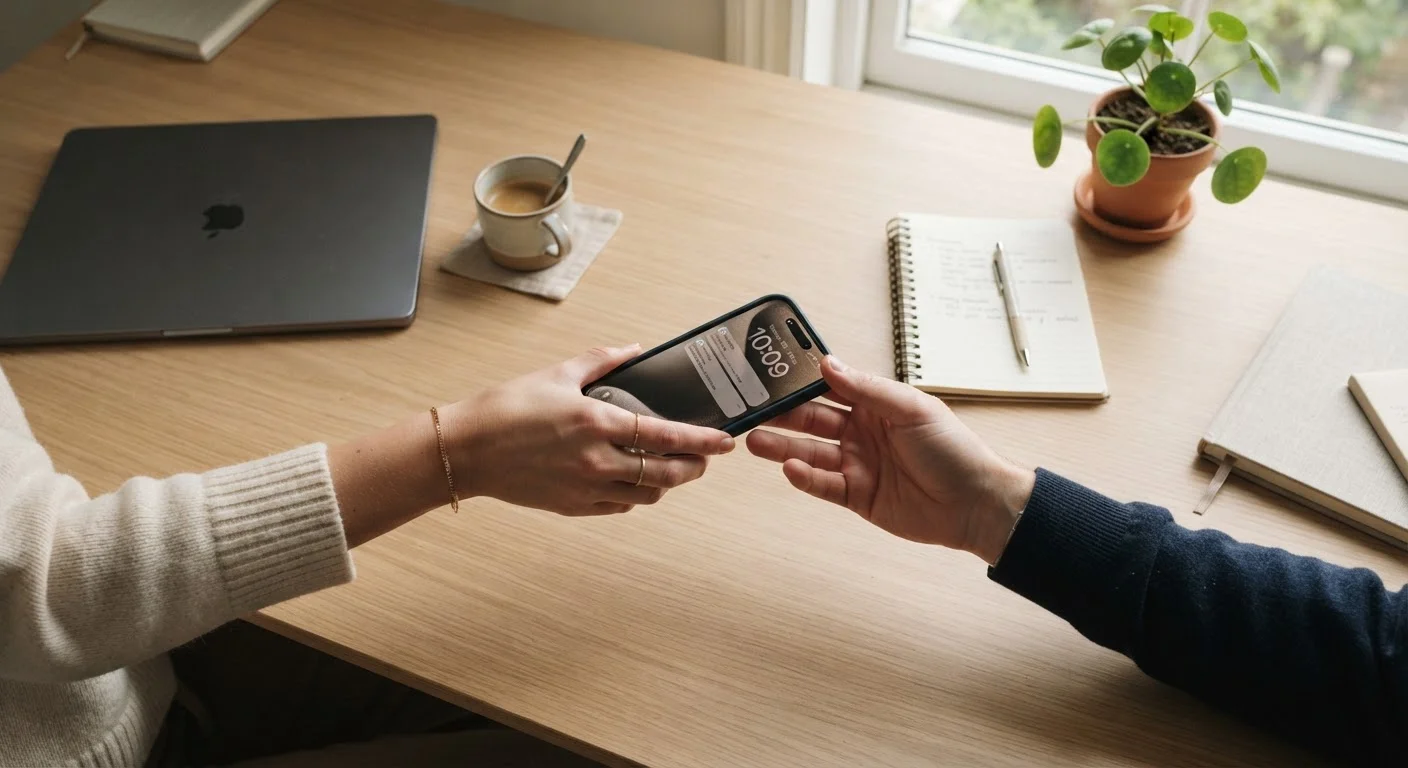
Handing off an old phone, tablet, or laptop to a family member, a buyer, or a recycler feels like a clean break - but only if you've done the groundwork first. Deleting photos or clearing your browser history leaves far more behind than most people expect. Account credentials, payment methods, synced contacts, and even location history can remain accessible to whoever picks up the device next.
This checklist walks through the categories most commonly missed, from cloud accounts to hardware accessories. It's designed to work for smartphones, tablets, and laptops alike, though the exact steps vary by operating system. If you're about to set up a replacement, see our guide to setting up a new device without compromising your privacy for the next phase.
Cloud Sync Can Work Against You
If your photos, messages, or contacts sync to a cloud account, simply deleting them from the device may not remove them from the cloud - and a new user who signs in to your account could still access them. Always verify which data lives locally on the device versus what's stored remotely before you wipe.
What You'll Need Before You Start
Gather these before working through the checklist. Having everything on hand prevents you from abandoning the process partway through, which can leave a device in an insecure in-between state.
Account credentials (email and password)
Required to sign out of app stores, cloud services, and linked accounts before wiping the device.
Backup storage (external drive or cloud service)
Used to save any files, photos, or contacts you want to keep before erasing the device.
SIM card ejector tool or small pin
Needed to physically remove the SIM card from smartphones and some tablets.
List of authorized apps and subscriptions
Helps you identify which services need to be deauthorized or have their device count updated.
Device's original charging cable
Keeps the device powered throughout the reset process, preventing interruptions that can cause errors.
The Full Pre-Handover Checklist
Work through each group below in order. The sequence matters - signing out of accounts before performing a factory reset is more reliable than attempting to sign out afterward.
Back Up Your Data
Sign Out of Accounts
Remove Physical Components
Unlink and Deregister
Perform the Factory Reset
Activation Lock Can Brick a Device for the Next Owner
On iPhones and many Android devices, activation lock or device protection features are tied to the previous owner's account. If this isn't disabled before the handoff, the recipient may be unable to set up or use the device at all. Disabling this requires access to the original account - something that becomes very difficult to resolve after the fact.
After the Reset: Confirming It's Clean
Once you've completed a factory reset, power the device back on and walk through its initial setup screen as if you were a new user. If it prompts you to sign in with the previous owner's credentials - or skips the setup entirely and shows a home screen - the wipe was incomplete. This is a sign that activation lock or device management software may still be active.
For a broader look at responsible device retirement, including recycling and trade-in considerations, the end-to-end device lifecycle guide covers what comes after the handoff. And if you're curious how long your current devices can realistically last before you face this decision again, practical ways to extend device longevity offers useful perspective.
The content on this site is for informational purposes only and is not a substitute for professional advice. Always consult a qualified professional for guidance specific to your situation.