

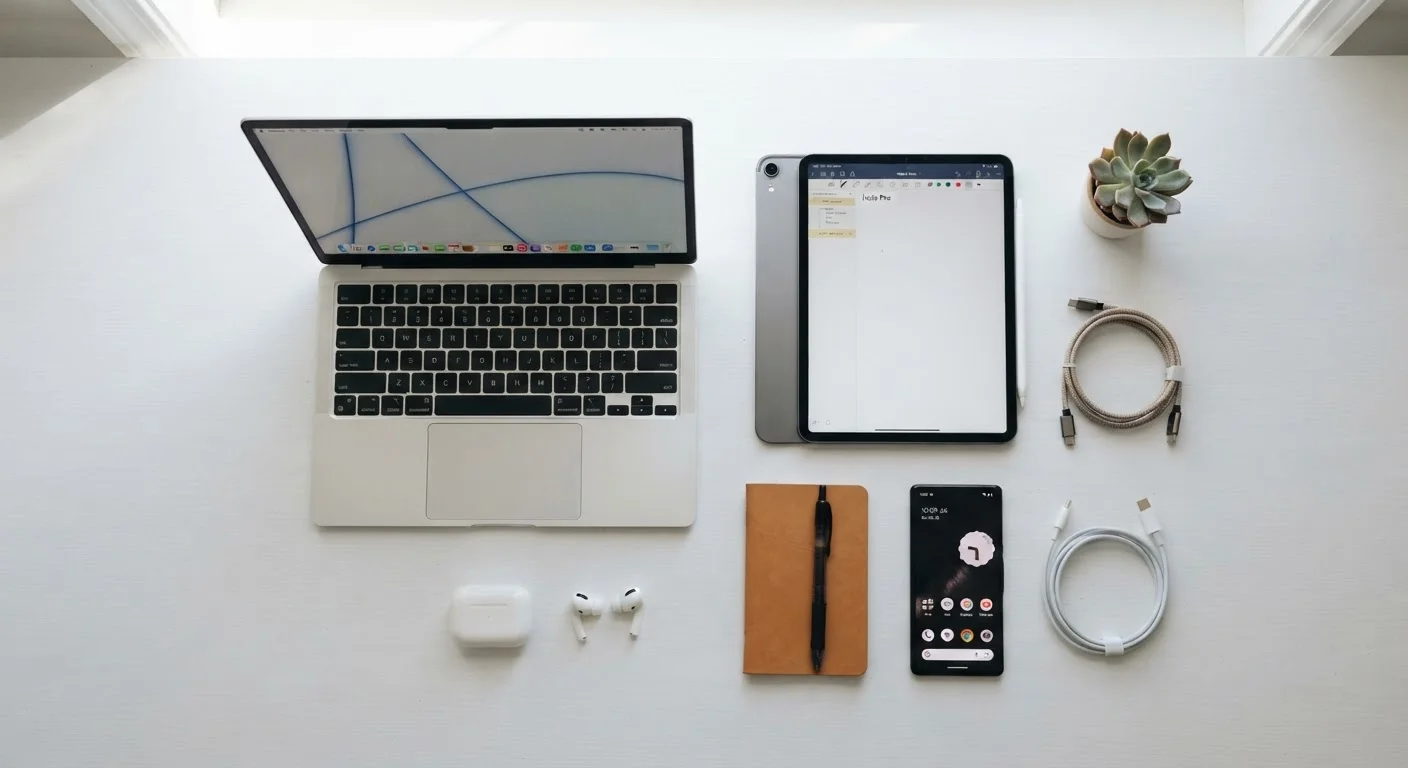
Starting Right: Unboxing and Initial Setup
The decisions you make in the first hour with a new device set the tone for everything that follows. Before diving into apps or settings, check for a software update - manufacturers routinely release patches between the time a device leaves the factory and the time it reaches you. Installing these updates immediately closes known security gaps and often improves stability.
Create or connect a primary account carefully. Use a strong, unique password and enable two-factor authentication (2FA) - a second verification step, such as a code sent to your phone, that makes unauthorized access much harder. If the device supports a recovery email or backup phone number, configure those too so you aren't locked out later.
Take a few minutes to review default privacy settings. Many devices are configured to share usage data or enable location tracking by default. Decide which permissions align with your actual needs and adjust accordingly. For a broader introduction to how everyday devices work, see our guide to personal devices.
Register Your Device Early
Register new devices with the manufacturer shortly after purchase. Registration makes it easier to access warranty support and ensures you receive notices about safety recalls or critical firmware updates.
Keeping Devices Secure from Day One
Security isn't a one-time task - it's an ongoing practice. The most effective habits are also the simplest: keep operating systems and apps updated, use unique passwords for each account (a password manager helps enormously), and be selective about which apps you install and what permissions you grant them.
Enable automatic updates where possible. Most operating systems allow you to schedule these for off-hours so they don't interrupt your day. For devices connected to your home network - routers, smart speakers, security cameras - change the default administrator password immediately after setup, as factory defaults are widely known and easily exploited.
Default Passwords Are a Known Vulnerability
Factory-set passwords on routers and smart home devices are often publicly documented online, making them easy targets for attackers. Change the administrator password on every networked device immediately after setup - this single step eliminates one of the most common entry points for home network intrusions.
Public Wi-Fi networks carry real risks. Avoid accessing sensitive accounts - banking, email, health portals - on open networks without a VPN (Virtual Private Network), a tool that encrypts your internet traffic. For a deeper look at staying safe online, explore the Online Safety & Privacy hub.
30%
Share of data breaches involving stolen or weak credentials
According to Verizon's Data Breach Investigations Report, credential compromise consistently ranks among the most common breach factors year over year.
50M+ tons
Global e-waste generated annually
The UN's Global E-waste Monitor estimates that electronic waste is one of the fastest-growing waste streams worldwide, with much of it improperly disposed of.
Routine Maintenance That Actually Makes a Difference
Devices decline gradually, and most of that decline is preventable. On the physical side: use a case and screen protector, avoid exposing devices to extreme heat or cold, and keep charging ports clean and dry. Lithium-ion batteries - found in most smartphones and laptops - last longer when kept between roughly 20% and 80% charge rather than regularly drained to zero or kept at 100% constantly.
On the software side, periodically uninstall apps you no longer use. Unused apps can accumulate in the background, consuming storage, memory, and sometimes network access. Clear app caches occasionally, back up your data regularly (both to a local drive and a cloud service if possible), and review app permissions every few months.
Practical strategies for extending device life go into greater depth on physical care and software hygiene. The typical lifespans of common devices can also help you set realistic expectations for your hardware.
Schedule a 15-minute 'device check-in' every three months: review app permissions, check for pending updates, and confirm your backups are current.
Incremental, habitual maintenance catches problems early and is far less disruptive than dealing with a security incident or data loss after the fact.
Store original packaging or note your device's model number and serial number in a secure document from day one.
This information is essential for warranty claims, insurance purposes, and correctly identifying your device when contacting support - and it's surprisingly easy to lose track of.
Knowing When It's Time to Move On
No device lasts forever, and using one past its practical life introduces real risks - particularly when security updates stop. When a manufacturer ends software support for a device, unpatched vulnerabilities accumulate and can be exploited. This is the clearest signal that replacement should be considered, regardless of whether the hardware still functions.
Other signs include significantly degraded battery life that can't be cost-effectively replaced, persistent crashes or slowdowns that software fixes don't resolve, and the inability to run apps or services you rely on. Weigh repair costs against replacement costs honestly - a repair that costs more than half the price of a comparable current device is rarely a good long-term investment.
For a broader view of how devices interact across your home and what to consider when managing a full ecosystem, this complete overview of personal technology ecosystems is a useful companion.
Don't Ignore End-of-Support Dates
Continuing to use a device after its official security support ends exposes you to vulnerabilities that will never be patched. Check your manufacturer's support page to find the end-of-support date for your current devices and plan accordingly.
Retiring a Device Responsibly
Disposing of a device carelessly is both a privacy risk and an environmental problem. Before passing on or discarding any device, perform a factory reset - but don't stop there. On smartphones and tablets, enable full-device encryption before resetting, which scrambles the data so that recovery tools can't retrieve it after the wipe. On laptops, use the operating system's built-in secure erase option or a reputable third-party disk-wiping tool.
Remove SIM cards and any external storage (SD cards, USB drives) before handing the device over. Sign out of all accounts and deregister the device from any services - streaming platforms, digital assistants, and app stores all maintain device registries.
For disposal, look for certified e-waste recycling programs. Many municipalities offer drop-off locations, and major electronics retailers often run take-back programs. E-waste contains hazardous materials - lead, mercury, and cadmium among them - that cause environmental harm when sent to landfill. Donating to a refurbishment organization extends the device's useful life and reduces waste, provided you've thoroughly wiped it first.
Data Wiping Varies by Device Type
The steps to securely erase data differ across operating systems and device types. Consult your manufacturer's official support documentation for the recommended procedure for your specific device before donating or recycling.
This article provides general information about consumer device management and is not a substitute for professional advice tailored to your specific situation. Security practices evolve rapidly; verify guidance with your device manufacturer and consult qualified professionals for significant financial or technical decisions.
The content on this site is for informational purposes only and is not a substitute for professional advice. Always consult a qualified professional for guidance specific to your situation.