

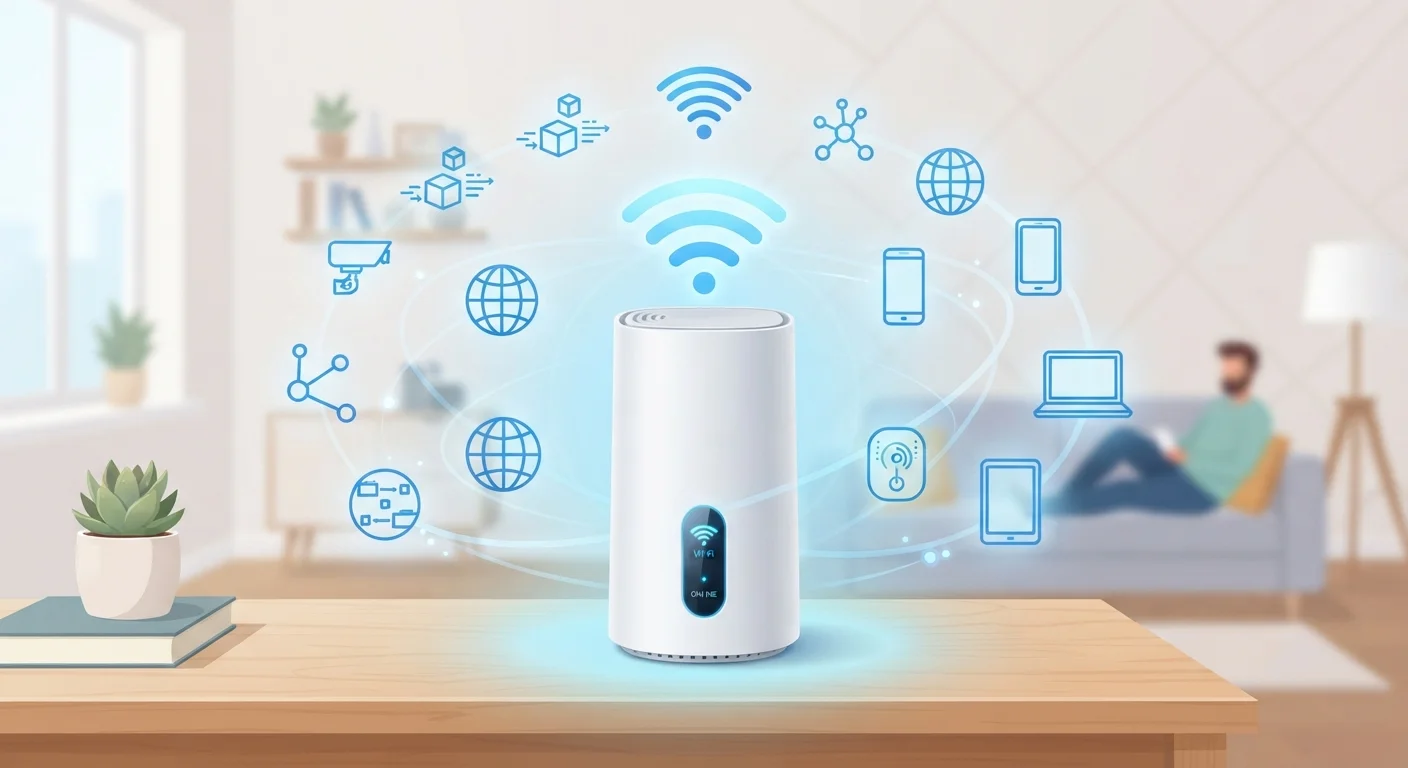
Why These Terms Matter for Everyday Users
When your internet slows down, your router drops signal, or your ISP sends a notice about your data usage, you're suddenly navigating a language full of acronyms and technical shorthand. Knowing what these terms actually mean gives you the confidence to troubleshoot problems, ask better questions, and make smarter decisions about your home connection.
This glossary covers the terms you're most likely to encounter - on your bill, in your router settings, or in a support call. For a deeper look at how these concepts fit together end-to-end, see how broadband works from street to screen.
| Most common home connection types | Cable, Fiber, DSL, Fixed Wireless |
| Standard Wi-Fi frequency bands | 2.4 GHz and 5 GHz (Wi-Fi 6E adds 6 GHz) |
| IPv4 vs. IPv6 | IPv4 uses 32-bit addresses; IPv6 uses 128-bit addresses to accommodate far more devices |
| Typical home router range | 150-300 ft indoors (varies by walls, interference, and router model) |
| Speed test measures | Download speed, upload speed, and ping (latency) |
Core Networking Terms Defined
These are the foundational terms that describe how internet data moves and is managed in a home environment.
Bandwidth
The maximum amount of data that can be transmitted over a network connection in a given time, typically measured in Mbps (megabits per second) or Gbps (gigabits per second). Higher bandwidth allows more data to flow simultaneously.
ISP (Internet Service Provider)
The company that provides your home internet access - examples include cable, fiber, and DSL providers. Your ISP assigns your connection an IP address and manages the infrastructure that connects your home to the broader internet.
IP Address
A unique numerical label assigned to each device connected to a network. It serves two functions: identifying the device and indicating its location on the network. Your router receives a public IP from your ISP; devices inside your home get private IPs from the router.
DNS (Domain Name System)
The internet's address book. DNS translates human-readable domain names (like example.com) into the numerical IP addresses that computers use to locate servers. When DNS is slow or misconfigured, web pages may load slowly or not at all.
NAT (Network Address Translation)
A function performed by your router that allows multiple devices in your home to share a single public IP address. NAT maps each device's private IP to the public IP when sending data out, and routes incoming responses back to the correct device.
Latency
The time it takes for a data packet to travel from your device to its destination and back, measured in milliseconds (ms). Low latency is critical for video calls and online gaming; high latency causes noticeable delays.
Router
A device that connects your home network to the internet and directs traffic between your devices and the outside world. Most home routers also function as wireless access points, providing Wi-Fi.
Modem
A device that converts the signal from your ISP (cable, fiber, DSL) into a format usable by your home network. Many ISPs now supply a combined modem/router unit, sometimes called a gateway.
SSID (Service Set Identifier)
The name of a Wi-Fi network as it appears when you search for available connections on a device. You can customize your SSID in your router's settings.
DHCP (Dynamic Host Configuration Protocol)
A protocol that automatically assigns IP addresses to devices when they join your network. Without DHCP, every device would need a manually configured address - a process prone to errors.
Packet
A small unit of data transmitted over a network. Large files are broken into many packets, sent independently, and reassembled at the destination. Packet loss occurs when some packets don't arrive, causing degraded performance.
Throughput
The actual data transfer rate achieved under real-world conditions, as opposed to the theoretical maximum (bandwidth). Throughput is what you measure in a speed test and is usually lower than your plan's advertised speed.
For a focused breakdown of speed-related figures like Mbps and Gbps, the article Internet Speed Numbers Demystified walks through exactly what those numbers mean for your household. If you find you're encountering related terms across different areas of tech, the Internet Jargon Decoded glossary provides useful companion definitions.
Security and Privacy Vocabulary
Home networks are increasingly targeted by security threats. Understanding the terminology around protection helps you evaluate what safeguards are already in place and where you may have gaps.
Your Router Is Your First Line of Defense
Most home routers ship with default admin usernames and passwords that are widely known. Changing these credentials - along with your Wi-Fi password - is one of the simplest and most effective steps you can take to secure your home network. Check your router's documentation or the label on the device for instructions on accessing its settings panel.
Firewall - A security system (built into most routers) that monitors incoming and outgoing network traffic and blocks connections that don't meet defined security rules.
VPN (Virtual Private Network) - A service that encrypts your internet traffic and routes it through a server in another location, masking your IP address and making it harder for third parties to monitor your activity.
MAC Address (Media Access Control Address) - A unique hardware identifier assigned to every network-capable device. Routers use MAC addresses to recognize devices on the local network.
WPA2 / WPA3 - Wi-Fi Protected Access protocols that encrypt traffic between your devices and router. WPA3 is the current standard and offers stronger protection against unauthorized access.
For broader guidance on staying secure online, explore the Online Safety & Privacy hub.
How to Use This Reference Going Forward
Bookmarking a reliable glossary means you don't have to search from scratch every time an unfamiliar term appears. As you expand your understanding of home networking, you may also encounter technical language in device spec sheets - the Plain-Language Glossary of Consumer Device Specifications covers that terrain, and the broader Devices & Gadgets hub is a useful ongoing resource.
~93%
U.S. adults who use the internet
According to Pew Research Center data, internet adoption among U.S. adults has steadily climbed, with around 93% reporting use as of recent surveys.
20+ devices
Average connected devices per U.S. home
Industry estimates suggest the average American household has more than 20 internet-connected devices, making network literacy increasingly relevant.
Technical literacy compounds: the more terms you recognize, the faster you can diagnose problems, communicate with support teams, and understand your options. This glossary is a starting point, not a ceiling.
The content on this site is for informational purposes only and is not a substitute for professional advice. Always consult a qualified professional for guidance specific to your situation.