

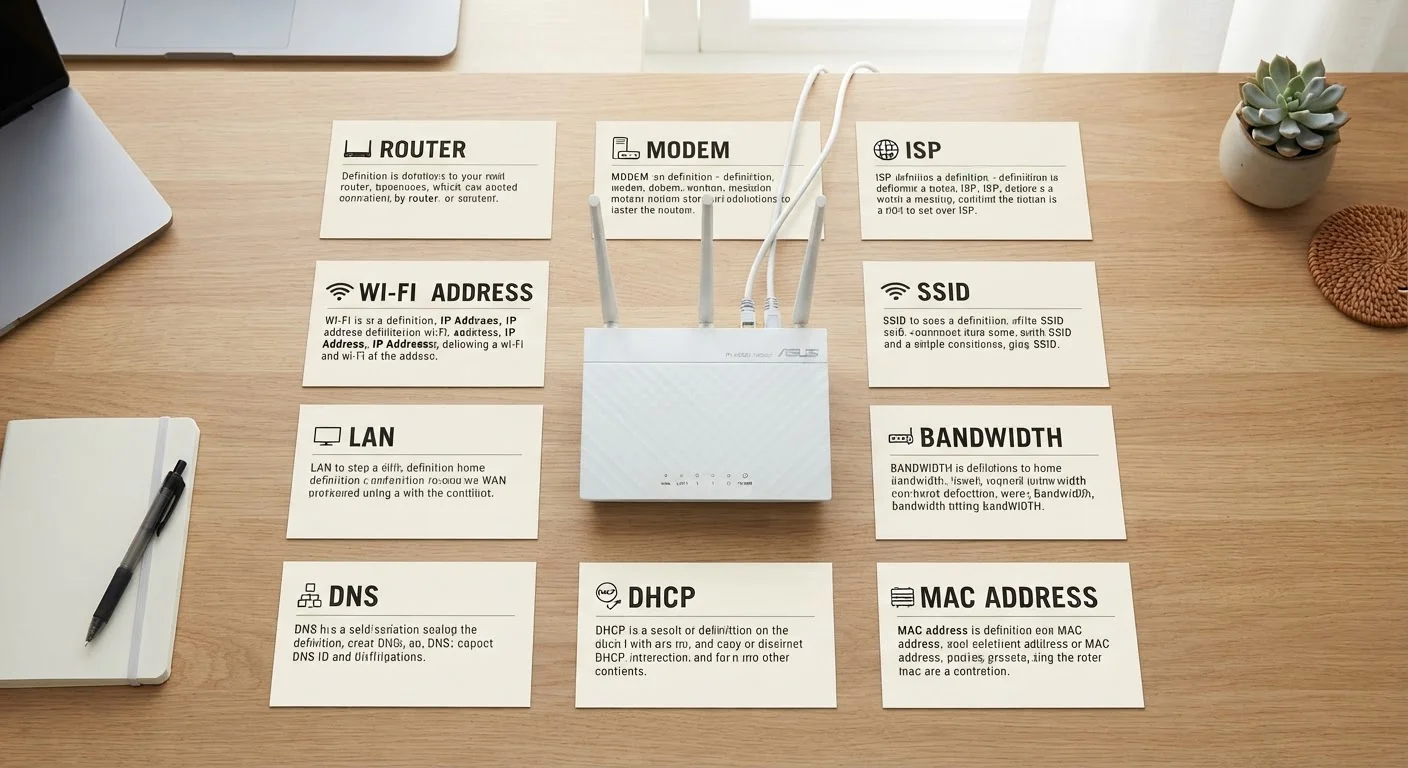
Why Internet Terminology Matters for Home Users
When you sign up for a broadband plan or log into your router's settings page, you're immediately confronted with acronyms and technical phrases - Mbps, latency, NAT, SSID, IPv6. These aren't just industry shorthand: they describe real behaviors that affect whether your video call drops, your game lags, or your smart TV buffers. Understanding what these terms actually mean puts you in a stronger position to evaluate plans, troubleshoot problems, and talk to your ISP (Internet Service Provider) with confidence.
This glossary covers the terms you're most likely to encounter on a broadband bill, a router settings screen, or a speed-test result page. For a broader look at how everything fits together end-to-end, see how broadband works from the street to your screen.
| Standard speed unit | Mbps (Megabits per second) |
| Good latency for video calls | Under 100 ms |
| Current Wi-Fi security standard | WPA3 |
| IPv6 address format | Eight groups of four hex digits |
| Wi-Fi bands available | 2.4 GHz, 5 GHz, 6 GHz |
| Latest Wi-Fi generation | Wi-Fi 6E (802.11ax) |
Speed and Performance Terms
These are the numbers that appear most prominently on broadband marketing and speed-test results.
- Mbps (Megabits per second): The standard unit for measuring internet speed. A higher number means more data can travel per second. Streaming HD video typically requires 5-25 Mbps; 4K streaming or multiple simultaneous users need more. Note that bits and bytes are different - a file size shown in megabytes (MB) is eight times larger than the same number in megabits.
- Gbps (Gigabits per second): One gigabit equals 1,000 megabits. Gbps plans are common in fiber-optic tiers. For a full breakdown of what these figures mean in practice, see what Mbps and Gbps actually mean.
- Download speed: How fast data travels from the internet to your device - covers streaming, browsing, and downloading files.
- Upload speed: How fast data travels from your device to the internet - relevant for video calls, cloud backups, and sharing files. Most residential plans offer lower upload than download speeds.
- Latency: The time - measured in milliseconds (ms) - for a data packet to travel from your device to a server and back. Lower latency is better, especially for gaming and video calls. Also called ping.
- Bandwidth: The maximum amount of data that can pass through your connection at any moment. Think of it as the width of a pipe: more bandwidth means more data can flow simultaneously.
- Throughput: The actual data rate your connection delivers in real conditions, which is often lower than the advertised bandwidth due to network congestion or hardware limits.
8×
Bits vs. bytes conversion factor
One megabyte (MB) equals 8 megabits (Mb) - an important distinction when comparing file sizes to connection speeds.
1,000
Megabits in one gigabit
A 1 Gbps fiber plan delivers 1,000 Mbps of theoretical maximum bandwidth, though real-world throughput is typically lower.
Networking and Hardware Terms
These terms show up in router settings, network diagrams, and ISP documentation.
- Router: The device that directs traffic between your home devices and the internet. It also creates your local Wi-Fi network.
- Modem: The device that connects your home to your ISP's network, translating the signal from the line (fiber, cable, or phone) into data your router can use. Many ISPs supply a combined modem-router unit called a gateway.
- SSID (Service Set Identifier): The name of your Wi-Fi network - what you see when you scan for available networks on your phone or laptop.
- IP Address: A numerical label assigned to every device on a network. Your router has a public IP address (visible to the internet) and assigns private IP addresses to each device in your home.
- IPv4 / IPv6: Two versions of the IP addressing system. IPv4 uses four groups of numbers (e.g., 192.168.1.1) and is the older standard. IPv6 uses a longer format and was introduced to handle the vastly larger number of internet-connected devices worldwide.
- NAT (Network Address Translation): A process your router uses to let all your home devices share one public IP address. It maps each device's private address to the single public address your ISP assigns you.
- DNS (Domain Name System): The internet's address book. When you type a website name, DNS translates it into the numerical IP address servers actually use to direct your request.
- DHCP (Dynamic Host Configuration Protocol): The system that automatically assigns an IP address to each device when it joins your network, so you don't have to configure addresses manually.
Understanding your connection type - fiber, cable, DSL, or satellite - also changes how some of these settings behave. See home internet connection types explained for a plain-language comparison.
Mbps
Megabits per second - the standard unit for measuring internet connection speed. A higher Mbps value means more data can be transmitted each second.
Latency (Ping)
The time in milliseconds it takes for a data packet to travel from your device to a server and return. Lower latency means a more responsive connection, which matters for gaming and video calls.
Bandwidth
The maximum capacity of your internet connection - how much data can move through it at once. High bandwidth supports multiple devices streaming or downloading simultaneously.
NAT
Network Address Translation. A function performed by your router that allows all devices in your home to share a single public IP address assigned by your ISP.
DNS
Domain Name System. Translates human-readable website addresses (like example.com) into numerical IP addresses that computers use to route internet traffic.
IPv6
The sixth version of the Internet Protocol addressing system, designed to provide a far larger pool of unique IP addresses than the older IPv4 standard as more devices connect to the internet.
SSID
Service Set Identifier - the name assigned to a Wi-Fi network. It is what you see listed when you search for available wireless networks on a device.
WPA3
Wi-Fi Protected Access 3, the current security protocol for encrypting wireless network traffic. It offers stronger protection than its predecessor, WPA2.
Wi-Fi and Wireless Terms
Wi-Fi has its own vocabulary, which matters when you're comparing routers or troubleshooting dead spots.
- 2.4 GHz / 5 GHz / 6 GHz bands: The radio frequencies Wi-Fi uses. The 2.4 GHz band travels farther but is more congested; 5 GHz is faster over shorter distances; 6 GHz (Wi-Fi 6E) offers the most capacity but the shortest range.
- Wi-Fi standards (802.11ac, Wi-Fi 5, Wi-Fi 6): Generational upgrades to the wireless protocol that increase speed, capacity, and efficiency. Wi-Fi 6 (802.11ax) handles more devices simultaneously with less interference.
- Mesh network: A system using multiple access points placed around a home to create a single, seamless network, eliminating dead zones that a single router may leave.
- WPA2 / WPA3: Security protocols that encrypt your Wi-Fi traffic. WPA3 is the current standard and offers stronger protection against unauthorized access than older WPA2.
For guidance on protecting your connection once you understand these settings, the Online Safety & Privacy hub covers practical steps. If you also want to decode the spec language on your devices, a plain-language glossary of consumer device specifications is a useful companion reference.
Advertised Speed vs. Real-World Performance
ISPs advertise maximum or "up to" speeds, which represent ideal conditions. Actual throughput depends on network congestion, the quality of your modem and router, the age of in-home wiring, and how many devices are active simultaneously. Running a speed test at different times of day gives a more realistic picture of what your connection actually delivers.
The content on this site is for informational purposes only and is not a substitute for professional advice. Always consult a qualified professional for guidance specific to your situation.