

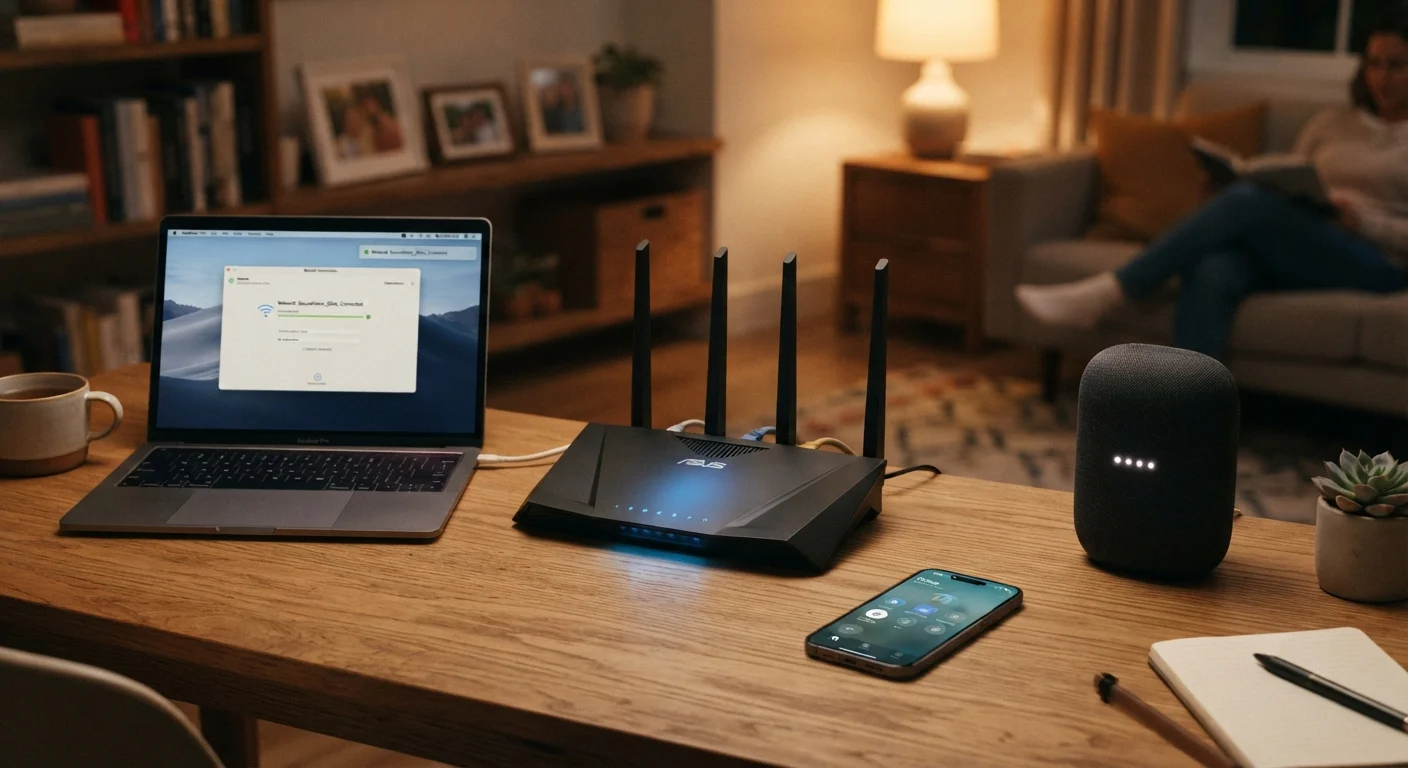
Why Home Network Security Deserves More Than a Strong Password
Most households treat home network security as a one-time setup task - change the default password, and move on. In practice, a home network is a living system: new devices join it regularly, software ages, and the tactics used to exploit weaknesses evolve. A single strong password at the front door doesn't account for the many ways a network can be compromised from within or around it.
The good news is that the principles underlying good home network security are consistent and learnable. You don't need a technical background to apply them. What you need is a clear picture of what you're protecting and why each layer of defense matters. For a broader view of digital safety beyond the network, the Online Safety & Privacy hub is a useful starting point.
Change your router's default admin credentials immediately and use a strong, unique passphrase.
Routers ship with default usernames and passwords that are publicly documented and widely known. Anyone who gains access to your router's admin panel can redirect your traffic, monitor activity, or lock you out entirely. A strong, unique passphrase closes this basic but critical gap.
Enable automatic firmware updates on your router, or check for updates manually every few months.
Router manufacturers release firmware updates to patch security vulnerabilities. An unpatched router is a known risk even if your passwords are strong. Many routers support automatic updates in their settings, and enabling this feature removes the need to remember.
Create a separate guest network for visitors and isolate smart home devices onto their own network segment.
Network segmentation limits how far an attacker - or a compromised device - can move within your home. A smart thermostat with a vulnerability shouldn't have a pathway to the laptop where you do your banking. Most modern routers support multiple SSIDs (network names) to enable this.
Use WPA3 encryption on your Wi-Fi network, or WPA2 at a minimum - never WEP or open networks.
Encryption determines how protected your wireless traffic is from being intercepted by someone nearby. WEP (Wired Equivalent Privacy) is obsolete and easily broken. WPA3 is the current standard; WPA2 remains acceptable. Open networks transmit data without any encryption at all.
Disable remote management and unnecessary features on your router unless you specifically need them.
Features like remote admin access, UPnP (Universal Plug and Play), and WPS (Wi-Fi Protected Setup) can introduce vulnerabilities if left enabled by default. Disabling features you don't use reduces your attack surface without any meaningful cost to daily use.
Core Practices That Protect Your Entire Household
The following practices address the most significant and commonly overlooked points of vulnerability in a typical home setup. Each one is independent - you don't have to do all of them at once - but together they create meaningful, layered protection.
For a deeper dive into habits that work alongside these principles, see practical habits that reduce your home network risk.
Thinking Beyond the Router
Your router is the front door, but it isn't the only entry point. Every device connected to your network - a smart TV, a voice assistant, a security camera - can potentially be used as a foothold if it runs outdated software or uses weak credentials. Device-level security principles apply here just as they do on laptops and phones.
Passwords are one layer of this system, not the whole solution. If you rely on a single, memorable password across accounts and devices, you're accepting a concentrated point of failure. Password managers can simplify managing unique credentials for every device and account without requiring you to memorize them all. And if your household includes children, network security intersects directly with keeping children safe online - access controls and network segmentation support both goals simultaneously.
When to Consider Professional Help
If your household handles sensitive data - such as working from home with employer systems or running a small business - a professional network security assessment may be worthwhile. Consumer-grade routers have real limitations, and some setups benefit from more robust configurations than default home equipment provides. Your internet service provider may also offer security-focused tools or monitoring as part of certain plans.
This article provides general educational information about home network security. It is not a substitute for professional cybersecurity advice tailored to your specific setup or situation.
The content on this site is for informational purposes only and is not a substitute for professional advice. Always consult a qualified professional for guidance specific to your situation.