

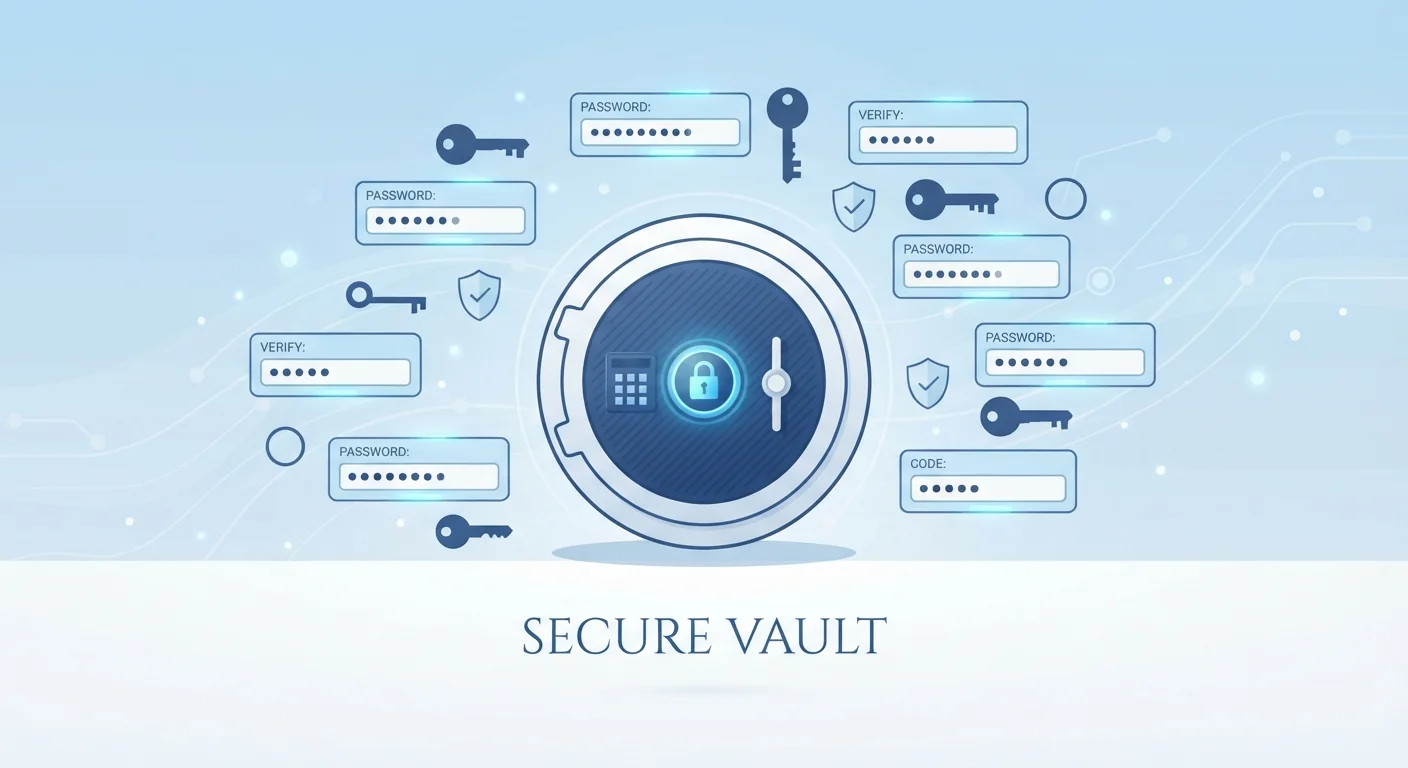
The Problem Password Managers Solve
Most people know they should use unique, complex passwords for every account - but in practice, that's nearly impossible to do from memory alone. The result is predictable: people reuse passwords, choose simple ones, or make small variations that attackers can easily guess. These habits leave accounts exposed even when users believe they are being careful.
A password manager removes the memory burden entirely. Instead of trying to recall dozens of credentials, you remember one strong master password. The application handles the rest - generating, storing, and filling in complex, unique passwords for each site or service you use.
81%
Of breaches linked to weak or stolen passwords
According to Verizon's Data Breach Investigations Report, the majority of hacking-related breaches involve compromised credentials.
100+
Average accounts per internet user
Research from NordPass has estimated that the average person has over 100 online accounts requiring passwords, making manual management impractical.
How Password Managers Store and Protect Your Data
When you save a credential, the password manager encrypts it before storing it. Encryption converts your readable password into scrambled data that can only be unscrambled with the correct decryption key - which is derived from your master password. This means that even if someone obtained the stored file, they would see only unreadable ciphertext.
Password managers generally fall into two categories based on where that encrypted data lives:
- Cloud-based managers store your encrypted vault on the provider's servers. This allows your passwords to sync automatically across all your devices - your phone, laptop, and tablet all stay up to date.
- Local (offline) managers keep the encrypted vault only on your device. There is no cloud sync, which some users prefer for privacy, but losing your device without a backup means losing your vault.
Most mainstream options are cloud-based with strong encryption standards. Using a password manager is an important layer, but it works best alongside other security practices.
Zero-Knowledge Architecture Explained
When a password manager uses a zero-knowledge model, the company running the service genuinely cannot read your stored passwords - even if compelled to. Your master password never leaves your device in readable form; only the encrypted vault is transmitted. This is considered a strong privacy design, though it also means the company cannot recover your data if you lose your master password.
What a Password Manager Actually Protects You From
The core protection is against credential reuse attacks. When a website is breached and its password database is stolen, attackers routinely test those credentials on other popular services - banking, email, shopping. If you reuse passwords, one breach can cascade into many. A password manager makes every account's password unique, so a breach on one site cannot unlock another.
Password managers also reduce exposure to phishing. Many applications autofill credentials only when the website address matches what was originally saved. If you land on a convincing fake site with a slightly different URL, the manager will not autofill - a signal that something may be wrong.
For a broader view of how these protections fit together, see the full picture of protecting your digital life.
Limitations You Should Understand
A password manager is a powerful tool, not a complete shield. A few important limitations apply:
- Master password risk: If your master password is weak or compromised, every stored credential is at risk. Choose a long, unique passphrase and do not write it somewhere easily accessible.
- Device security matters: If malware is already running on your device, it could capture your master password as you type it. Keeping your devices secure is a complementary requirement.
- No protection at the site level: If a site you use stores passwords poorly on their end, a breach there could still expose that account's password regardless of how well you manage your side.
Adding two-factor authentication (2FA) to both your password manager account and the services you log into provides a meaningful additional layer of defense. Securing your home network further reduces the environments where your credentials could be intercepted.
Enable Two-Factor Authentication on Your Manager
Adding two-factor authentication (2FA) to your password manager account means that even if someone obtains your master password, they still cannot open your vault without a second verification step - typically a code from an authenticator app. Set this up as soon as you create your account. It is one of the most effective steps you can take to protect your stored credentials.
Frequently Asked Questions
The risk of consolidation is real, but the encryption used by established password managers makes a stolen database extremely difficult to crack. Using a strong, unique master password and enabling two-factor authentication significantly reduces the risk. Reusing weak passwords across sites - the alternative - is generally considered a much greater vulnerability.
Recovery options vary by application. Some allow account recovery via a secondary email or recovery key you set up in advance. Others, especially those with strict zero-knowledge design, cannot recover your data if the master password is lost. Always store your recovery key somewhere physically safe.
Yes. Most password managers offer apps for iOS and Android and can integrate with mobile browsers and apps. Many also support biometric unlock, so you can use your fingerprint or face ID instead of typing your master password each time.
Password manager companies can be targeted by attackers, and some have experienced security incidents. However, because well-designed managers use zero-knowledge encryption, even a successful breach of the company's servers should not expose your actual passwords in readable form - provided your master password is strong and unique.
Free tiers of established password managers often provide solid core functionality for personal use. The differences typically involve multi-device sync, advanced sharing features, or security reports. Evaluate what features matter to your situation rather than assuming paid always means better protection.
The content on this site is for informational purposes only and is not a substitute for professional advice. Always consult a qualified professional for guidance specific to your situation.