

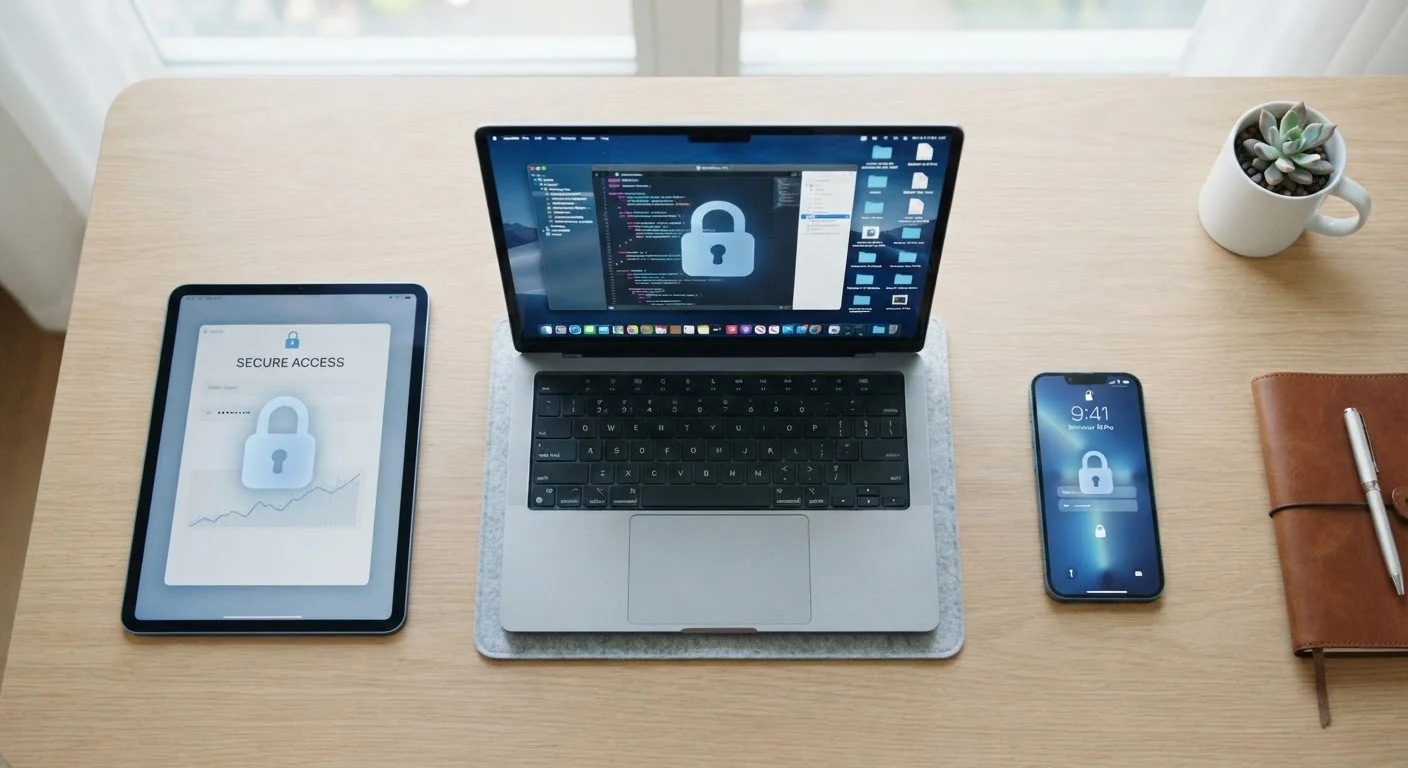
Why Consistent Principles Matter More Than Device-Specific Tips
Most people think of device security as a patchwork of separate tasks: set a PIN on your phone, update your laptop, maybe change the router password someday. That fragmented view leaves gaps. A stronger approach is to identify the principles that hold across every device you own and apply them consistently.
The good news is that a short list of practices - strong authentication, timely updates, and disciplined app permissions - covers the majority of real-world risk for everyday consumers. These aren't abstract ideals; they're concrete actions with measurable impact. For a broader view of how these fit into your full digital life, see our comprehensive digital security guide.
Use a unique, strong password for every account - and store them in a password manager.
When one service is breached and your credentials are exposed, attackers try the same combination everywhere else. Unique passwords contain the damage to a single account. Password managers remove the memory burden that leads people to reuse credentials.
Enable multi-factor authentication on every account that offers it.
A password alone can be guessed, phished, or leaked in a data breach. Multi-factor authentication (MFA) adds a second verification step - typically a code sent to your phone or generated by an authenticator app - so that a stolen password alone isn't enough to gain access.
Install software and operating system updates promptly - and enable automatic updates where possible.
Most updates contain patches for security vulnerabilities that have already been identified. Attackers routinely target devices running outdated software precisely because the weakness is known. Delaying updates is one of the most common and preventable ways users expose themselves.
Review and limit app permissions to only what's necessary for the app to function.
Apps frequently request access to your location, contacts, camera, and microphone beyond what they need. Excess permissions increase the amount of personal data exposed if an app is compromised or behaves irresponsibly. Regular audits keep your exposure proportionate to actual need.
Lock every device with a strong PIN, password, or biometric - and set it to engage quickly.
Physical access to an unlocked device can be just as damaging as a remote attack. A short auto-lock window and a strong screen lock prevent opportunistic access if your device is lost, stolen, or left unattended.
Only install apps from official, vetted sources such as your device's built-in app store.
Apps distributed outside official channels haven't passed the same security review process and carry a higher risk of containing malware. The convenience of a third-party app download rarely outweighs the risk it introduces.
Quick Wins You Can Apply Today
Good security doesn't require a weekend project. Several high-impact steps take only minutes and immediately reduce your exposure. Start with the actions below, then build from there.
Understanding What You're Actually Protecting
Device security isn't really about protecting the hardware - it's about protecting the data and accounts accessible through that hardware. A stolen phone matters less if it's locked with a strong PIN and the accounts on it use multi-factor authentication (MFA). A hacked laptop is far more damaging when every app on it shares the same password.
Device Security vs. Account Security
These two concepts are closely linked but not identical. Device security covers physical access, software integrity, and app behaviour on the hardware itself. Account security covers the credentials and verification methods that protect your online services. Strong device security doesn't help if your accounts use weak passwords - and the reverse is equally true. Both layers need attention.
If you share any device with family members, account separation becomes especially important. See our guide on shared household devices for practical ways to maintain privacy and security when multiple people use the same hardware.
It's also worth recognising how common habits quietly increase risk. Reusing passwords and skipping updates are two of the most widespread - and preventable - vulnerabilities everyday users carry around.
80%+
Of breaches involve weak or stolen credentials
Verizon's Data Breach Investigations Report consistently finds that the vast majority of hacking-related breaches exploit passwords - either stolen, guessed, or reused from other leaks.
~60%
Of users reuse passwords across multiple sites
Security surveys regularly find that a majority of consumers use the same password on more than one account, significantly amplifying the damage when any single service is breached.
Building Security Into Your Routine
One-time fixes don't hold. The devices and accounts you use change constantly - new apps are installed, old passwords persist, permissions accumulate. Effective security is a rhythm, not a destination.
Schedule a brief quarterly check: review which apps have access to your location, camera, and contacts; confirm that auto-update is enabled on every device; and verify that MFA is active on your most sensitive accounts. A password manager makes the password side of this routine far easier to maintain.
For households with children, security routines need an additional layer. Building digital safety awareness early complements the technical controls you put in place. And because your devices are only as secure as the network they connect through, pairing device-level habits with strong home network practices closes the loop.
Make Your Quarterly Check a Calendar Event
Security audits are easy to skip when they aren't scheduled. Adding a repeating calendar reminder - even just 15 minutes every three months - makes it far more likely you'll actually review permissions, confirm updates, and check account settings. Consistency matters more than thoroughness on any single occasion.
The content on this site is for informational purposes only and is not a substitute for professional advice. Always consult a qualified professional for guidance specific to your situation.