

Our Verdict
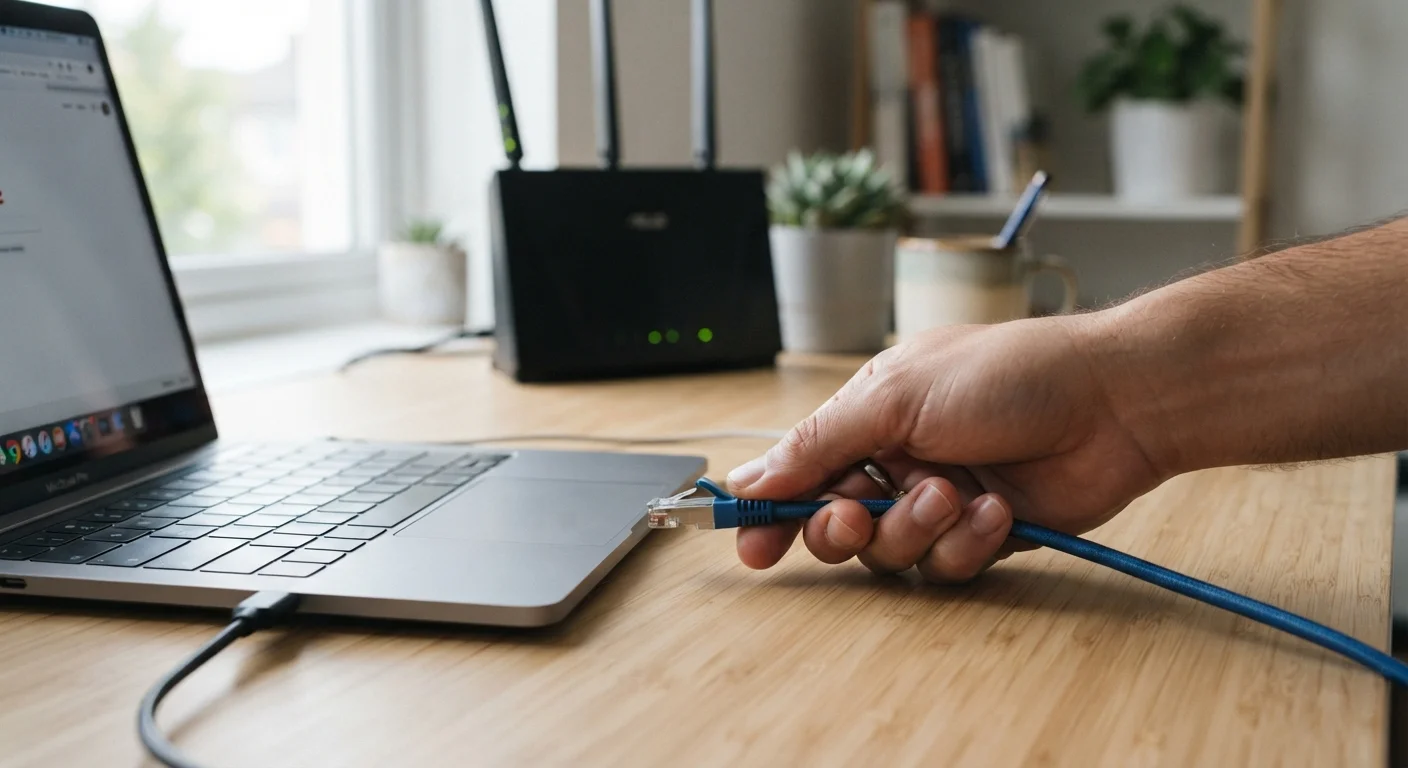
Neither Ethernet nor Wi-Fi is universally superior - the right choice depends on what you're doing and which device you're using. Ethernet wins on stability, latency, and peak throughput, while Wi-Fi wins on convenience and flexibility. For most households, the smartest setup combines both.
| Best for | Recommended |
|---|---|
| Gamers, remote workers, and frequent video callers | Ethernet |
| Smartphones, tablets, and smart home devices | Wi-Fi |
| Streaming 4K video or transferring large files regularly | Ethernet |
| Households prioritising convenience and whole-home coverage | Wi-Fi |
Why the Wired vs. Wireless Debate Still Matters
Wi-Fi has become so capable that many people assume it's always good enough. For casual browsing and streaming on a phone, that's often true. But underneath the surface, wired and wireless connections behave very differently - and understanding those differences can meaningfully improve your home internet experience.
Ethernet - the technology behind a physical network cable - provides a direct, dedicated path between your device and your router. Wi-Fi, by contrast, transmits data through radio waves that are shared across devices, affected by walls and interference, and subject to fluctuating signal strength. If you've ever noticed a video call suddenly stutter or an online game lag at the worst moment, your wireless connection is often the culprit.
For context on what kind of internet service you're working with at home, see our guide on home internet types explained - the wired vs. wireless decision builds on top of whichever connection type enters your home.
Key Differences: Speed, Latency, and Stability
Three performance factors separate Ethernet from Wi-Fi in practical use:
- Speed: A Cat 6 Ethernet cable supports up to 1 Gbps (gigabit per second) over typical home distances, and Cat 6A handles 10 Gbps. Most Wi-Fi 6 routers can match those theoretical peaks under ideal conditions, but real-world wireless speeds drop significantly with distance and interference.
- Latency: Ethernet typically delivers latency (the delay between sending and receiving data) of 1-5 milliseconds on a local network. Wi-Fi commonly adds 10-50 ms or more, which matters enormously in gaming and live video communication.
- Stability: Wired connections don't compete with neighboring networks, microwave ovens, or cordless phones for spectrum. The signal doesn't degrade through walls. For a device that stays in one place, this consistency is one of Ethernet's clearest advantages.
| Ethernet (Wired) | Wi-Fi (Wireless) | |
|---|---|---|
| Typical latency | 1-5 ms (local network) | 10-50+ ms depending on conditions |
| Speed consistency | Very stable, minimal fluctuation | Variable; affected by distance and interference |
| Setup complexity | Requires physical cable routing | Minimal setup; connect devices wirelessly |
| Device compatibility | Desktops, consoles, smart TVs, laptops | Smartphones, tablets, smart home devices, laptops |
| Interference risk | None (dedicated physical link) | High in crowded wireless environments |
| Mobility | Stationary only | Full mobility within router range |
| Best use cases | Gaming, video calls, 4K streaming, file transfers | Casual browsing, IoT devices, mobile devices |
For a deeper look at how these trade-offs play out across different devices, the article on wired vs. wireless trade-offs for everyday devices covers the topic from a device-centric perspective.
When Plugging In Is Worth the Effort
Ethernet makes the most practical difference in these specific scenarios:
Online Gaming
Even small spikes in latency - often called "ping" - can affect reaction times in competitive games. A wired connection eliminates most of the unpredictability that wireless introduces, particularly in fast-paced multiplayer environments.
Video Conferencing and Remote Work
Dropped frames, frozen video, and choppy audio during work calls are frequently caused by Wi-Fi instability rather than slow internet service. Plugging a laptop or desktop directly into the router typically resolves these issues.
4K Streaming and Large File Transfers
Streaming high-resolution video or moving large files between devices demands sustained throughput. Ethernet handles this consistently without the bandwidth fluctuations that affect wireless connections during peak usage hours.
Home Servers and Network-Attached Storage (NAS)
Devices that store and serve files to other devices on your network - like a NAS drive or a dedicated home server - benefit substantially from a wired connection to avoid transfer bottlenecks.
Check Your Cable Category Before Upgrading
Not all Ethernet cables are equal. Cat 5e cables support up to 1 Gbps, while Cat 6 and Cat 6A support higher speeds with better interference resistance. If you're wiring a new setup or replacing old cables, Cat 6 is a practical and widely available choice for most home needs. Check what's already in your walls before buying new hardware - older Cat 5 (not Cat 5e) may limit your performance even if your router and plan are fast.
When Wi-Fi Is the Smarter Choice
For all its advantages, Ethernet has real limitations. It requires running a physical cable, which isn't always feasible - particularly in rentals, older homes without cable conduits, or rooms far from the router. Some devices, including smartphones, tablets, and most smart home gadgets, don't have Ethernet ports at all.
Wi-Fi is also the right answer for:
- Devices that move around (laptops carried between rooms, phones, tablets)
- Smart home devices like thermostats, doorbells, and speakers that only need modest, intermittent connectivity
- Households with many devices spread across multiple rooms where running cables would be impractical
Modern Wi-Fi standards - particularly Wi-Fi 6 (802.11ax) - have significantly improved capacity, efficiency, and performance in environments with many simultaneously connected devices. For most everyday tasks on mobile devices, a well-configured Wi-Fi 6 router is more than adequate.
You can also review how Wi-Fi and Ethernet compare for different home use cases to see whether a full or partial switch to wired connections fits your situation.
~30-50 ms
Typical Wi-Fi latency added vs. Ethernet
Network engineers generally observe that wireless connections add meaningful latency compared to a direct wired link, with the gap widening in congested environments.
1 Gbps
Max speed supported by Cat 6 cable
Cat 6 Ethernet cable, widely available and inexpensive, comfortably handles speeds beyond what most residential internet plans currently deliver.
Building a Practical Hybrid Setup
The most effective home network for most people isn't entirely wired or entirely wireless - it's both. A typical approach: connect your high-demand, stationary devices (desktop computers, gaming consoles, smart TVs, and work laptops when docked) via Ethernet, while leaving Wi-Fi to handle everything else.
If running cables through walls isn't an option, MoCA adapters (which use existing coaxial cable in your home) or Powerline adapters (which use electrical wiring) offer middle-ground solutions that provide a more stable connection than Wi-Fi without the need for new cable runs. Results vary depending on home wiring quality, so treat these as options to evaluate rather than guaranteed fixes.
For households comparing their underlying internet service options, our fibre vs. cable internet comparison explains how the service entering your home affects overall reliability - independently of whether you connect via wire or wirelessly inside.
The content on this site is for informational purposes only and is not a substitute for professional advice. Always consult a qualified professional for guidance specific to your situation.