

What Latency Actually Measures
When you click a link, your device sends a request to a server somewhere on the internet. Latency - or ping - is the time that round trip takes, measured in milliseconds (ms). It is not about how much data arrives, but how quickly the connection responds.
Think of bandwidth as the width of a pipe and latency as how long it takes the first drop of water to travel through it. A very wide pipe with a long travel time can still feel slow when responsiveness matters. Speed tests measure both, but many people focus only on download speed and overlook ping entirely.
For context, 1,000 milliseconds equals one second. A ping of 80 ms means data makes the round trip in less than one-tenth of a second - imperceptible for downloading a file, but noticeable during a live video call. See the plain-language glossary of internet terms for a broader breakdown of broadband terminology.
20 ms
Typical fibre-optic ping to a nearby server
Fibre connections consistently achieve lower latency than cable or DSL due to the physics of light-based signal transmission.
600 ms+
Typical latency over satellite internet
Traditional geostationary satellite internet has latency far exceeding 500 ms due to the distance signals must travel to orbit and back.
150 ms
Latency threshold where call quality degrades noticeably
The ITU-T G.114 standard recommends one-way latency below 150 ms for acceptable voice call quality in telecommunications.
Why Latency Matters More Than Speed for Some Tasks
Streaming a movie is largely tolerant of latency because the video player buffers content ahead of time. But many everyday activities are real-time and cannot buffer - they require a constant, rapid back-and-forth between your device and a remote server.
- Video calls: Audio and video must stay synchronized in near-real-time. High latency causes the familiar "talking over each other" effect and choppy video.
- Online gaming: Every action you take - moving, shooting, interacting - must be registered on the game server almost instantly. High ping leads to "lag," where the game responds late to your inputs.
- Cloud-based work tools: Collaborative documents, video conferencing platforms, and remote desktop apps all rely on low-latency connections to feel fluid.
If your connection has high latency, upgrading to a faster plan will not fix these problems. Understanding what you actually need from your connection is the first step - the guide to matching internet plans to real household needs explains this in more detail.
What Causes High Latency - and How to Reduce It
Several factors contribute to latency, some within your control and some determined by your internet provider or infrastructure.
Distance to the server
Data physically travels through cables and network hardware. The farther the server, the longer the round trip. Connecting to a server on the other side of the world will always carry more latency than connecting to one nearby - this is why game servers and streaming platforms maintain regional data centers.
Connection type
The technology your provider uses matters. Fibre-optic internet transmits data as light through glass cables, which tends to produce lower and more consistent latency compared to cable or DSL. The comparison of fibre and cable on speed, latency, and consistency walks through these differences in detail.
Wi-Fi vs. wired connections
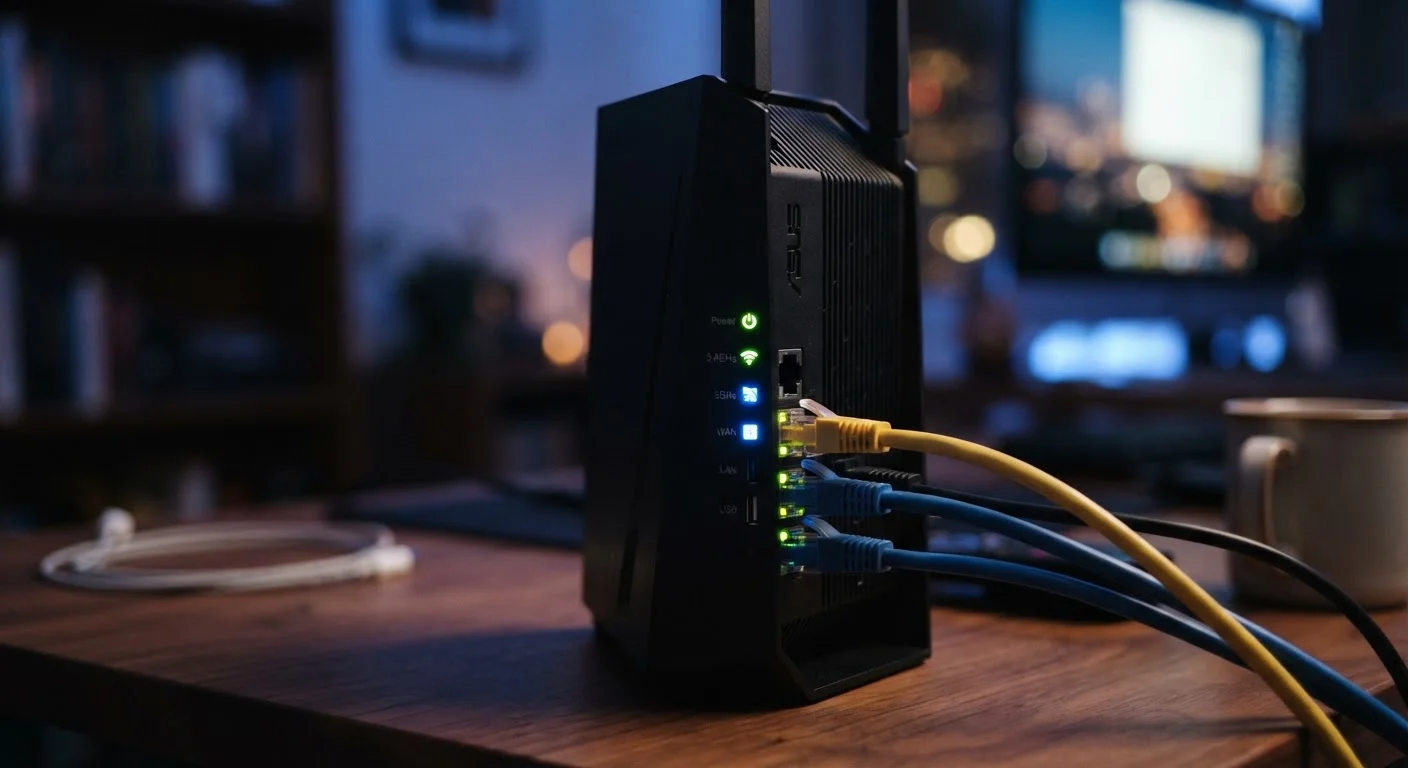
Wireless connections add latency because your device must negotiate radio signals with the router. Interference from walls, appliances, and neighboring networks compounds this. Plugging directly into your router with an ethernet cable is one of the simplest and most effective changes you can make. The wired vs. wireless trade-off guide covers this in depth.
Network congestion
During peak hours, shared network infrastructure - particularly common with cable internet - can become overloaded, causing latency to spike. If your ping is consistently worse in the evenings, congestion is likely a factor.
Quick Wins for Lowering Your Home Latency
Connect your primary device to your router using an ethernet cable rather than Wi-Fi. Place your router in a central, elevated location away from appliances that emit radio interference. Restart your router periodically to clear any memory overload. If your router is several years old, an upgrade may reduce the processing delay it adds to your connection.
Reading Your Ping in Context
Ping alone does not tell the full story. Jitter - the variation in latency over time - is equally important for real-time applications. A consistent 40 ms ping is far preferable to a ping that swings between 10 ms and 200 ms. Most speed test tools report both values.
Here is a general reference for interpreting ping results:
| Ping (ms) | Typical Experience |
|---|---|
| Under 20 ms | Excellent - ideal for competitive gaming |
| 20-50 ms | Good - smooth for calls and casual gaming |
| 50-100 ms | Acceptable - minor delay in real-time apps |
| 100-200 ms | Noticeable lag in calls and gaming |
| Over 200 ms | Problematic - real-time applications struggle |
If your ping is consistently high, it is worth checking whether the issue originates inside your home network (router placement, Wi-Fi interference, old hardware) or upstream with your provider. Running a test while connected by ethernet to your router helps isolate the two.
Latency and Connection Type Are Linked
The type of internet connection in your home significantly influences what latency is achievable. Fibre-optic connections generally offer the lowest and most stable ping, while DSL and older cable infrastructure tend to show higher and more variable latency. If consistently low ping is important for your household - for gaming, video calls, or remote work - connection type is worth considering when evaluating your options. The comparison of fibre and cable internet explains the underlying differences.
Frequently Asked Questions
For general browsing and streaming, a ping under 100 ms is typically fine. For video calls, under 50 ms is preferable. Competitive online gaming often requires a ping of 20-40 ms or lower for a smooth experience.
Not directly. Speed and latency are separate measurements. A plan with high download speeds can still have high latency, especially over certain connection types or when the network is congested.
Ping spikes often occur during peak usage hours when more households share the same network infrastructure. This is especially common with cable internet, which uses a shared local network segment.
Yes. Wi-Fi introduces additional processing steps and is more susceptible to interference, which can add several milliseconds of latency. A wired ethernet connection is generally more stable and lower-latency.
You can use free tools like Speedtest.net or Fast.com to measure your ping alongside download and upload speeds. Run the test a few times at different hours to get a representative picture of your connection's consistency.
Yes. Older or low-quality routers may add processing delay, especially under heavy network load. Keeping your router's firmware updated and positioning it centrally in your home can help minimize added latency.
The content on this site is for informational purposes only and is not a substitute for professional advice. Always consult a qualified professional for guidance specific to your situation.