

Why End-to-End Digital Protection Matters
Most people think about online security only after something goes wrong - a hacked account, an unfamiliar charge, or a suspicious email. But digital protection works best as a system, not a reaction. Every device, account, and habit is a link in a chain, and attackers typically look for the weakest one.
The good news is that the fundamentals are not complicated. You do not need to be technical to build meaningful protection. What you need is a clear picture of where the risks are and a set of consistent practices to address them. This guide covers each layer - passwords, devices, networks, accounts, and habits - so you can see and manage the full picture.
81%
Data breaches involving weak or stolen passwords
According to Verizon's Data Breach Investigations Report, the large majority of hacking-related breaches involve compromised credentials.
2FA blocks ~99%
Of automated account-takeover attacks
Google's internal research found that two-factor authentication stops nearly all automated bot-based account attacks.
15+ devices
Average connected devices per US household
Deloitte research has found the typical American home now runs more than a dozen internet-connected devices simultaneously.
Passwords and Authentication
Weak or reused passwords remain the most common pathway into personal accounts. A strong password is long (at least 12 characters), random, and unique to every account. In practice, that is impossible to memorize - which is exactly why password managers exist. These tools generate and store complex passwords so you only need to remember one strong master password.
Alongside a password manager, enable two-factor authentication (2FA) - a secondary verification step - on every account that supports it. Even if a password is stolen, 2FA makes it significantly harder for an attacker to get in. Authentication apps (which generate time-limited codes) are generally more secure than SMS text codes, which can be intercepted.
Set your password manager to alert you when a saved password appears in a known breach - most leading managers include this feature and it catches risks before they become incidents.
Breach databases grow constantly; proactive alerts mean you respond in hours rather than months after exposure.
When choosing between 2FA methods, prioritize an authenticator app over SMS whenever the service allows it - SMS codes can be intercepted through SIM-swapping attacks.
SIM-swapping, where an attacker convinces a carrier to transfer your phone number, is a documented and relatively accessible attack that defeats SMS-based 2FA.
Securing Your Devices
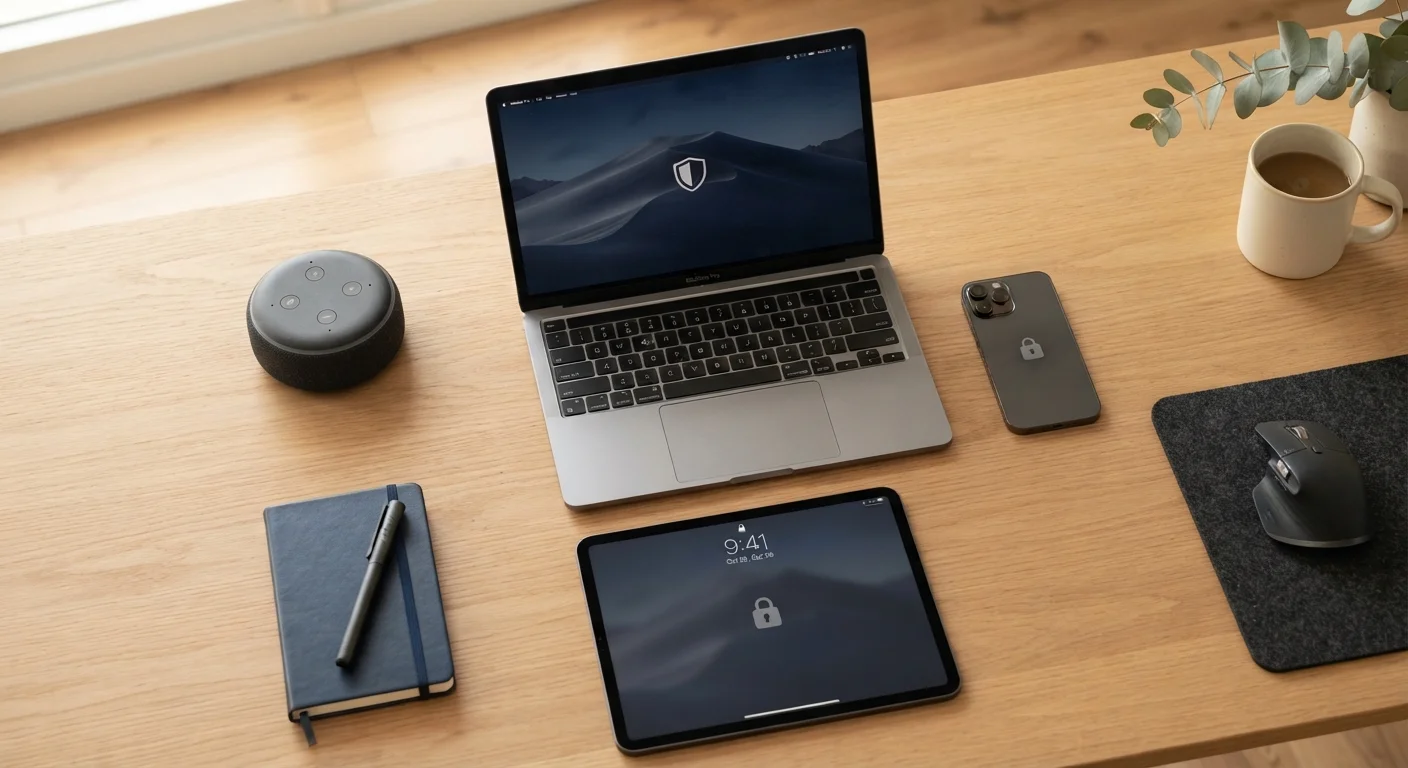
Each phone, tablet, laptop, and smart device in your home represents an access point. Keeping them secure means applying a short but consistent checklist:
- Enable screen locks with a PIN, password, or biometric (fingerprint or face recognition) on every mobile device.
- Install software updates promptly. Updates frequently patch security vulnerabilities that attackers actively exploit.
- Review app permissions. An app that requests access to your microphone, location, or contacts when it doesn't need them is a red flag.
- Encrypt your devices. Most modern smartphones encrypt storage by default; verify this in your device settings.
For households where devices are shared between family members, account separation and privacy settings matter more than most people realize. See our guide on shared devices for practical steps. You can also explore how all your devices connect in our full device ecosystem overview.
Old Devices Are High-Risk Devices
Smartphones and tablets that no longer receive security updates from their manufacturer carry unpatched vulnerabilities that cannot be fixed through user action alone. If a device no longer receives operating system updates, consider whether continuing to use it for sensitive tasks - banking, email, shopping - is worth the risk. Manufacturers typically publish end-of-support dates on their websites.
Protecting Your Home Network
Your router is the gateway for everything connected to the internet in your home - laptops, phones, smart TVs, thermostats, and more. A compromised router can expose all of them simultaneously. Foundational router security involves:
- Changing the router's default admin username and password to something unique.
- Using WPA3 or WPA2 encryption on your Wi-Fi network (check your router settings).
- Keeping router firmware updated - many routers can be set to update automatically.
- Creating a separate guest network for visitors and smart home devices to keep them isolated from your main computers and phones.
For a deeper look at network-level protection, our home network security guide covers the principles every household should apply.
Public Wi-Fi Requires Extra Caution
Unsecured public Wi-Fi networks - in cafes, airports, and hotels - can allow others on the same network to observe unencrypted traffic. Avoid accessing sensitive accounts (banking, email) on public Wi-Fi without a VPN (Virtual Private Network), which encrypts your connection. If you must use public Wi-Fi, confirm the network name with staff before connecting, as fake "look-alike" networks are a known attack method.
Account Safety and Data Privacy
Beyond passwords, account safety means understanding what you've connected and what data you've shared. A few practices make a significant difference:
- Audit connected apps. Many accounts allow third-party apps to access your data. Periodically review and remove any you no longer use or recognize.
- Monitor for breaches. Services like Have I Been Pwned (haveibeenpwned.com) let you check whether your email address has appeared in known data breaches - a free and useful early warning.
- Limit what you share publicly. Information visible on social media - your full birthdate, hometown, employer - can be used to answer security questions or build convincing phishing messages.
“Security is not a product, but a process. It's more than designing a strong cryptography system; you have to design the entire system such that all the security measures work together.”
— Bruce Schneier, Security technologist and author, widely cited in cybersecurity research and education
Daily Habits That Make or Break Security
Technical tools only work if daily behavior supports them. Some of the most significant vulnerabilities come from routine actions that feel harmless: clicking links in unexpected emails, using public Wi-Fi for sensitive tasks without a VPN, or postponing that software update for weeks. These are the habits that quietly accumulate risk. Our article on habits that undermine online security breaks down the most common patterns and how to change them.
A practical way to approach this: treat digital security the way you treat locking your front door. You don't think deeply about it every time - it becomes routine. The goal is to build small, consistent habits that hold even when you're distracted or in a hurry.
Run a Monthly Five-Minute Security Check
Once a month, spend five minutes reviewing one area: check for pending software updates, scan connected apps on one account, or verify that 2FA is still enabled on a key service. Small, scheduled reviews prevent security from quietly drifting - and they're far less time-consuming than recovering from a compromised account.
This article is for general informational purposes only. It does not constitute professional cybersecurity, legal, or technical advice. Readers should consult qualified professionals for guidance specific to their situation.
The content on this site is for informational purposes only and is not a substitute for professional advice. Always consult a qualified professional for guidance specific to your situation.