

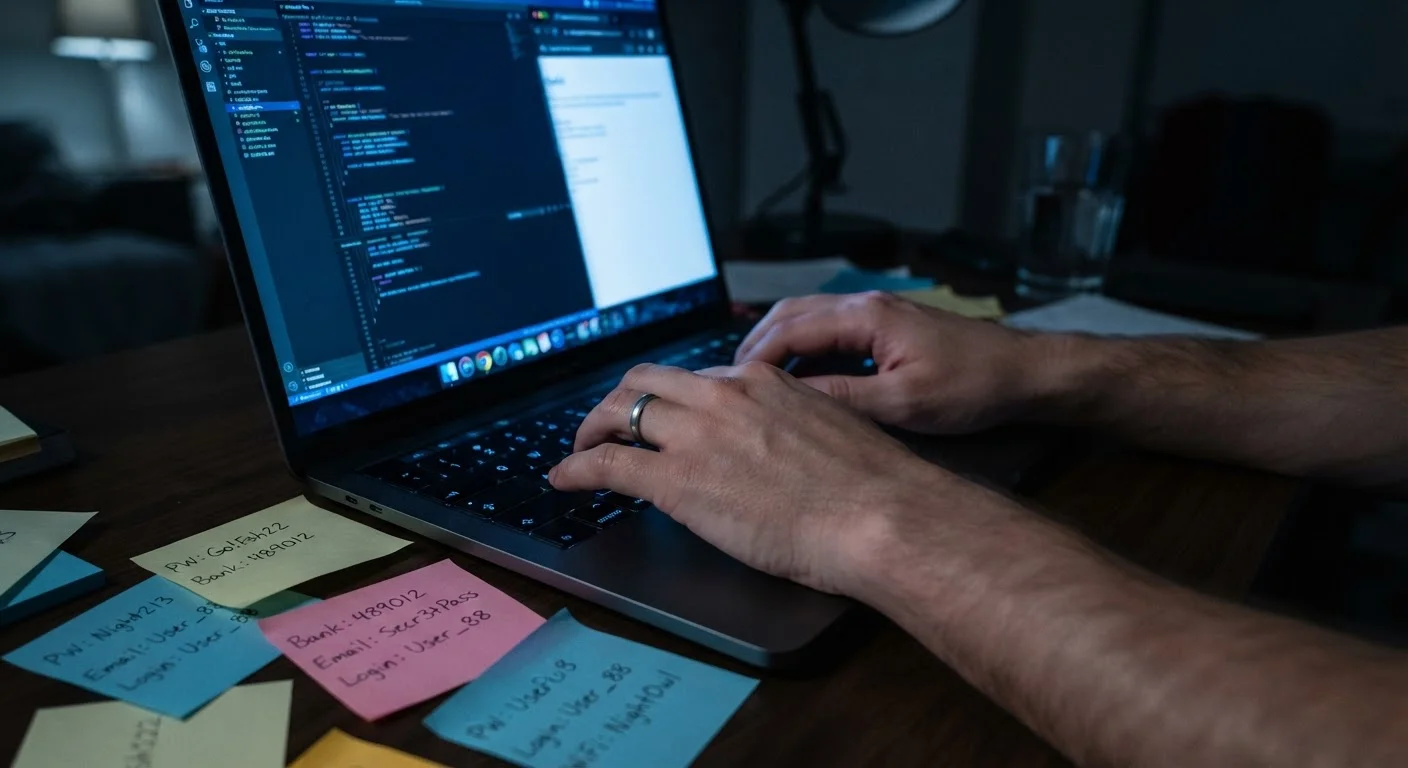
Why Everyday Habits Matter More Than You Think
Most people assume that online security failures happen to someone else - the result of a sophisticated hack or a careless click on an obvious scam. In reality, the greatest vulnerabilities often come from ordinary habits repeated day after day: the same password used everywhere, a software update dismissed for months, a phone left unlocked in a public place.
These patterns don't feel risky in the moment. That's exactly what makes them dangerous. Understanding which habits silently erode your security - and why they're so easy to fall into - is the first step toward changing them. For a broader look at how to protect every device you own, see our guide to device security principles.
Reusing the same password across multiple accounts.
Why it happens: Creating and remembering a unique password for every site feels impractical, so people default to one or two memorable passwords used everywhere.
Dismissing software and app update prompts repeatedly.
Why it happens: Updates feel disruptive - they interrupt work, take time, and often seem to change things unnecessarily. Many people postpone them indefinitely.
Using public Wi-Fi for sensitive tasks without any protection.
Why it happens: Free Wi-Fi at a café or airport feels convenient and harmless, and the risks are invisible in the moment.
Skipping two-factor authentication (2FA) because it feels like extra friction.
Why it happens: The extra step of entering a code feels unnecessary when you've already typed a password, especially on familiar devices.
Oversharing personal details on social media profiles.
Why it happens: People share birthdays, hometowns, workplaces, and pet names naturally as part of connecting with others, without considering how that information could be used.
Clicking links in emails or texts without verifying the sender.
Why it happens: Phishing messages have become highly convincing, often mimicking real institutions. Under time pressure or distraction, it's easy to act before thinking.
The Compounding Risk: When Small Gaps Add Up
No single habit on this list will necessarily lead to a disaster on its own. But security works in layers, and when several small gaps line up - a reused password, an unpatched device, and an overshared detail on social media - the combined exposure becomes substantial. Attackers routinely combine leaked credentials with publicly available personal information to craft convincing phishing messages or bypass account recovery questions.
80%+
Data breaches involving weak or reused credentials
According to Verizon's Data Breach Investigations Report, the majority of hacking-related breaches involve compromised credentials, underscoring the password reuse problem.
99.9%
Account compromise reduction with MFA
Microsoft has reported that enabling multi-factor authentication (MFA) can block the vast majority of automated account-takeover attacks.
That's why addressing these habits together matters. If you've already tackled your passwords, the next logical step is reviewing what your social accounts publicly reveal. Our article on social media privacy settings that actually matter walks through the specific controls worth adjusting. And if you want the full picture, protecting your digital life across every device and account covers all of it in one place.
Public Wi-Fi Risks Are Real, Not Theoretical
Open Wi-Fi networks - in hotels, airports, cafés, and libraries - do not encrypt traffic by default. Anyone on the same network with the right tools can potentially intercept unencrypted data. Avoid accessing banking portals, work email, or entering passwords when connected to public networks unless you are using a trusted VPN.
The content on this site is for informational purposes only and is not a substitute for professional advice. Always consult a qualified professional for guidance specific to your situation.