

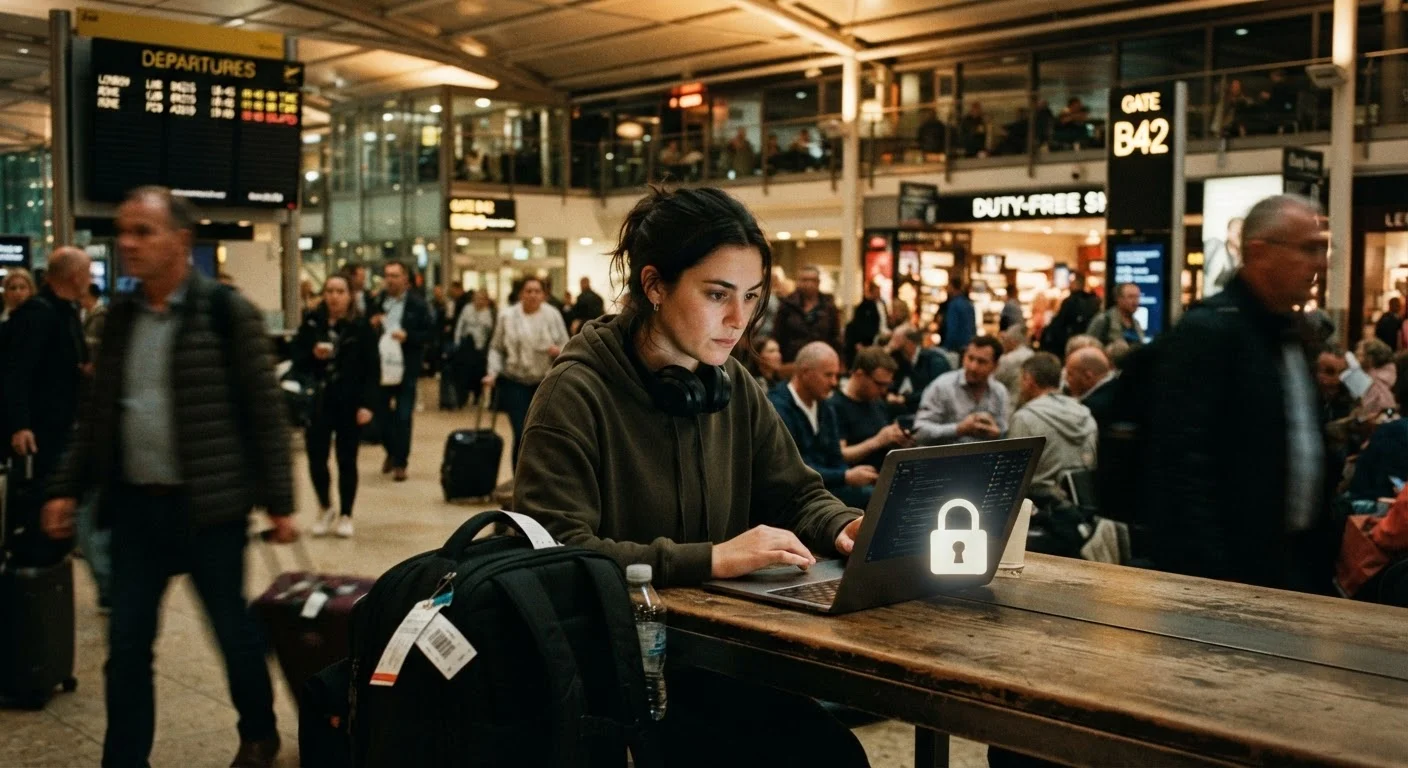
Why Travel Changes Your Digital Risk Profile
At home, your digital habits operate within a familiar environment - a trusted router, known devices, a stable routine. The moment you travel, those defaults break down. You're connecting to networks you don't control, using devices in crowded public spaces, and often distracted enough that small security lapses go unnoticed.
The risks aren't hypothetical. Public Wi-Fi carries specific, real vulnerabilities that most travellers don't think about until something goes wrong. Scams that target travellers - from fake Wi-Fi hotspots to phishing messages that arrive during transit - exploit both distraction and unfamiliarity. Understanding how phishing, smishing, and vishing work before you leave can help you recognise attempts in the moment.
Physical theft compounds digital risk in ways people often underestimate. A stolen unlocked phone isn't just a hardware loss - it's potentially access to your email, banking apps, stored passwords, and two-factor authentication codes all at once. Petty crime affects even careful travellers, and the intersection of physical and digital vulnerability is where the most serious consequences tend to occur.
Hotel and Café Networks Are Not Safe
Named, password-protected Wi-Fi networks at hotels, cafés, and airports can still be monitored or spoofed. A network called 'Hotel_Guest' in your lobby could be a rogue hotspot set up by someone nearby. Avoid logging in to banking, email, or any sensitive account on these networks without a VPN - and even then, be cautious.
The good news: most of the effective countermeasures are things you set up once before you leave. They don't require constant vigilance on the road - they just require a bit of preparation at home.
What to Set Up Before You Travel
What you will need
VPN (Virtual Private Network) app
Encrypts your internet traffic on public and untrusted networks, making it much harder for third parties to intercept your data.
Password manager
Stores and generates strong, unique passwords so you're not reusing credentials across accounts - a critical risk when travelling.
Two-factor authentication (2FA) app
Generates one-time codes that add a second layer of verification beyond your password, protecting accounts even if credentials are stolen.
Cloud backup service
Keeps a copy of your photos, documents, and contacts off-device so a theft or loss doesn't mean permanent data loss.
RFID-blocking card sleeve or wallet
Reduces the risk of contactless card data being read without your knowledge in crowded environments.
Set Up Before You Leave Home
The best time to enable remote wipe, install a VPN, activate two-factor authentication, and back up your devices is before you travel - not in a hotel lobby with patchy Wi-Fi. Run through your security checklist at least 48 hours before departure so you have time to troubleshoot anything that doesn't go smoothly.
Back up your devices before you leave
Connect your phone and laptop to a trusted home network and run a full backup to cloud storage or an external drive. This ensures that if your device is lost, stolen, or remotely wiped, you don't permanently lose photos, contacts, documents, or app data. Verify the backup completed successfully - don't assume the automatic sync caught everything recent.
Enable remote lock and wipe
On iOS, activate Find My iPhone via your Apple ID settings. On Android, ensure Find My Device is turned on through your Google account. On Windows, use the Find My Device feature in your Microsoft account settings. Test that you can locate your device from a browser login before you leave - this also confirms your credentials work.
Activate two-factor authentication on critical accounts
Enable two-factor authentication (2FA) - sometimes called two-step verification - on your email, banking, and any account tied to payment information. An authenticator app (which generates time-based codes) is generally more secure than SMS-based codes, since phone numbers can be targeted through SIM-swapping. Set up 2FA before travel so you're familiar with the process while you still have reliable access.
Install and configure a VPN
A VPN (Virtual Private Network) encrypts the data travelling between your device and the internet, which is particularly valuable on unfamiliar networks abroad. Choose a reputable VPN service, install the app before departure, and test it on your home network. Set it to connect automatically when joining public Wi-Fi if that option is available. For a broader look at what can go wrong on open networks, see the risks most people underestimate on public Wi-Fi.
Use ATMs carefully and monitor your accounts
Card skimming devices - physical attachments on ATM card slots that copy your card data - are a documented risk in many destinations. Prefer ATMs located inside bank branches over standalone machines in tourist areas. Shield your PIN with your hand when entering it. Set up transaction alerts with your bank so you receive a notification for every charge, enabling you to spot unauthorised activity quickly. For a broader look at payment trade-offs abroad, see carrying cash vs. cards abroad.
Limit what you carry and what's stored on your devices
Before leaving, review what sensitive data is on your devices. Remove apps you won't need that have access to financial or personal information. Consider whether you need your primary debit card or whether a travel-specific card with a lower limit reduces your exposure. Physical precautions matter too - the habits that prevent losing valuables abroad apply directly to device security as well.
For a more comprehensive look at ongoing device security principles that apply both at home and abroad, the core principles of keeping devices secure are worth reviewing before your trip. And if you want to understand how breaches can unfold when credentials are exposed, see what actually happens when a website gets hacked.
Lost or Stolen Device Abroad
If a device is stolen overseas, act immediately: remotely lock or wipe it using your account's device-management tools, change passwords for critical accounts from a secure device, and notify your bank. Time matters - waiting even a few hours can allow an attacker to access financial accounts or reset your email password, which is often the key to everything else.
The content on this site is for informational purposes only and is not a substitute for professional advice. Always consult a qualified professional for guidance specific to your situation.