

Start here
Why Three Technologies? The Problem Each One Solves
Next
Bluetooth: Cable-Free Connections for Personal Devices
Then
Wi-Fi: Your Gateway to the Internet and Local Network
Also
NFC: Instant Transfers at a Touch
Apply it
Choosing the Right Technology for the Situation
Stay safe
Security Considerations Across All Three
Why Three Technologies? The Problem Each One Solves
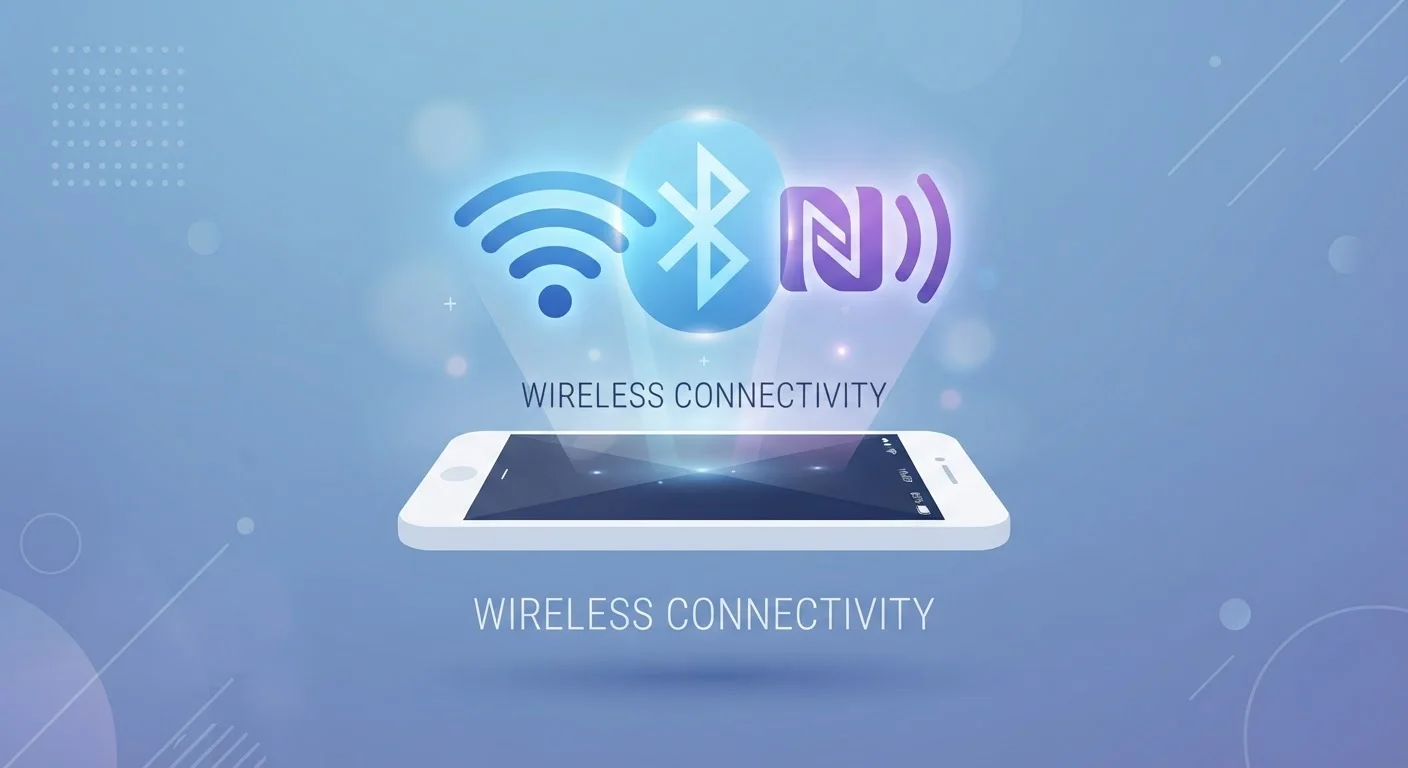
If you have ever wondered why your phone can connect to headphones, a router, and a payment terminal in three completely different ways, the answer comes down to engineering trade-offs. Range, speed, power draw, and setup complexity all pull in different directions, and no single wireless technology wins on every dimension.
Bluetooth, Wi-Fi, and NFC are each optimized for a different job. Understanding what that job is - before worrying about how it works - makes the technical details much easier to absorb. For a broader look at how these connections fit into the devices you use every day, see our guide to personal devices.
Radio frequency (RF)
The range of electromagnetic wave frequencies used to transmit data wirelessly through the air. Different technologies use different frequency ranges to avoid constantly colliding with each other.
Pairing
The process two Bluetooth devices go through to recognize and trust each other. Once paired, they reconnect automatically in the future without repeating the setup.
NFC tag
A tiny, passive chip embedded in a card, sticker, or product that stores a small amount of data. It activates only when a powered NFC reader comes within a few centimeters of it.
Frequency hopping
A technique where a radio signal rapidly switches between different sub-frequencies within a band. Bluetooth uses this to reduce interference and make eavesdropping more difficult.
WPA2 / WPA3
Security protocols that encrypt data traveling over a Wi-Fi network. WPA3 is the newer and stronger standard; both are significantly safer than older or unprotected networks.
Bandwidth
The maximum amount of data a connection can carry per second. Wi-Fi offers much higher bandwidth than Bluetooth or NFC, which is why it is used for video streaming and large file transfers.
Bluetooth: Cable-Free Connections for Personal Devices
Bluetooth was designed to replace short cables between personal gadgets - the wire connecting a headset to a phone, a keyboard to a computer, or a fitness tracker to a tablet. It operates in the 2.4 GHz radio frequency range and is engineered to use very little power, which is why Bluetooth accessories often run for days or weeks on a small battery.
The technology uses a method called frequency hopping, meaning it rapidly switches between dozens of sub-channels within its frequency band. This makes it more resistant to interference and harder for outside parties to intercept a complete signal stream.
Most consumer Bluetooth works well within about 30 feet (10 meters) indoors. Newer versions - Bluetooth 5.0 and later - can reach further and transfer data faster, which matters for audio streaming quality. When you pair two Bluetooth devices, they exchange credentials and form a remembered connection. Subsequent connections happen automatically without repeating the pairing process.
Pair Once, Connect Automatically
After the initial Bluetooth pairing, most devices reconnect without any action on your part - as long as Bluetooth is enabled on both sides. If automatic reconnection stops working, removing the device from your paired list and re-pairing from scratch usually resolves it. Keep only the devices you actively use in your paired list to reduce clutter and potential conflicts.
Wi-Fi: Your Gateway to the Internet and Local Network
Wi-Fi connects your devices to a router, which in turn connects to your internet service provider. Unlike Bluetooth, Wi-Fi is not designed primarily for device-to-device linking - it is designed to move large amounts of data quickly across a local network and out to the internet.
Wi-Fi operates on either the 2.4 GHz or 5 GHz bands (and newer standards also use 6 GHz). The 2.4 GHz band travels further and passes through walls more easily; the 5 GHz band is faster but shorter in range. Our article on Wi-Fi bands and congestion explores this trade-off in detail.
Wi-Fi range indoors typically extends 100 to 150 feet from the router, though concrete walls, appliances, and neighboring networks all affect real-world performance. For a direct comparison of wireless against wired connections, our piece on wired vs. wireless trade-offs walks through the key differences.
NFC: Instant Transfers at a Touch
Near Field Communication (NFC) operates at 13.56 MHz and has an intentionally tiny range - typically under 4 centimeters (about 1.5 inches). That extreme closeness requirement is a feature, not a limitation: it makes accidental or covert connections nearly impossible.
NFC excels at three narrow tasks: contactless payments (tapping your phone or card at a terminal), quickly pairing two devices, and reading small embedded tags. The data it transmits is minimal - an authentication token, a URL, a short instruction - so it transfers almost instantly. When larger data needs to move, NFC often just triggers a handoff to Bluetooth or Wi-Fi to complete the job.
NFC is passive in an important sense: NFC tags (the small chips embedded in stickers, posters, and some product packaging) do not need their own power source. They draw just enough energy from the reader's radio field to respond. This is why NFC tags in transit cards or event wristbands last indefinitely without batteries.
NFC and Contactless Payment Cards
The tap-to-pay feature on credit and debit cards uses NFC, as does mobile payment on most modern smartphones. The card or phone does not transmit your full account number - it sends a one-time transaction token instead. This means intercepting the NFC signal during a payment does not give an attacker usable card data, which is a meaningful security advantage over older magnetic stripe technology.
Choosing the Right Technology for the Situation
Once you know what each technology is optimized for, choosing between them becomes intuitive:
- Bluetooth - use it when you want a persistent, low-power link between two personal devices: headphones, a smartwatch, a wireless keyboard, or a car audio system.
- Wi-Fi - use it whenever you need internet access, streaming, or fast file transfers across a home or office network. Smart home devices also predominantly rely on Wi-Fi for remote control and automation. Our article on smart home devices covers how this plays out in practice.
- NFC - use it for quick, momentary exchanges: paying at a checkout, sharing a contact, tapping to pair a device, or reading a product tag.
These technologies also work together. A Bluetooth speaker might be discovered and volume-adjusted via an NFC tap. A smart home hub connects locally over Wi-Fi while a companion app on your phone communicates over Bluetooth. Understanding each layer helps you troubleshoot when something stops working.
Security Considerations Across All Three
All three technologies transmit radio signals, which means a device within range could theoretically attempt to intercept or interfere. The practical risks and good habits differ by technology:
- Bluetooth: Keep devices updated - most historical Bluetooth vulnerabilities were patched in firmware and software updates. Avoid accepting pairing requests from unknown devices. In high-traffic public spaces, turning Bluetooth off when not in use reduces exposure.
- Wi-Fi: Use networks protected with WPA2 or WPA3 encryption. On public Wi-Fi, avoid logging into sensitive accounts unless you use a VPN. Your home router should always have a strong, unique password. The Online Safety & Privacy hub has further guidance on securing your connections.
- NFC: The range restriction is its primary security feature. Skimming attacks are theoretically possible but require extremely close physical proximity. Be mindful of unknown NFC tags - tapping one could redirect your browser or trigger an action on your device.
Keeping the software and firmware on all your devices current is the single most effective security habit across all three technologies. Our overview of firmware and software updates explains why those updates matter more than most people realize.
Frequently Asked Questions
Both Bluetooth and older Wi-Fi (2.4 GHz band) operate in the same radio frequency range, so they can occasionally interfere. Modern devices manage this automatically through techniques like frequency hopping. If you notice slowdowns, switching your router to the 5 GHz band can reduce conflict.
NFC can pass through thin materials like fabric, but its effective range is only a few centimeters. A phone in a standard pocket may still work, but thick cases, metal objects, or multiple cards stacked together can block the signal reliably.
Leaving Bluetooth on does carry some security risk - certain older vulnerabilities allowed unauthorized pairing at close range. Keeping your device's software updated significantly reduces these risks. Turning Bluetooth off when not needed is a straightforward way to minimize exposure in crowded public spaces.
Consumer Bluetooth typically reaches 30 feet (about 10 meters) reliably indoors. Wi-Fi routers commonly cover a much larger area - often 100 to 150 feet indoors - though walls and interference affect both.
NFC is designed for very small data exchanges and is too slow for large files. It is often used to initiate a faster transfer over Bluetooth or Wi-Fi rather than complete the transfer itself - this is how Android Beam-style sharing has worked.
Not all smartphones include NFC hardware. It is common on mid-range and higher-end phones sold in recent years, but budget devices sometimes omit it. You can check your phone's specifications or settings menu to confirm whether NFC is available.
The content on this site is for informational purposes only and is not a substitute for professional advice. Always consult a qualified professional for guidance specific to your situation.