

The Gap Between 'Strong' and 'Secure'
Most people have heard the advice: make your password long, mix in numbers and symbols, avoid obvious words. Many follow it faithfully. And yet accounts still get compromised - often belonging to people who genuinely believed they were protected.
The problem isn't that strong passwords don't work. It's that a strong password addresses only one part of a much wider vulnerability picture. Understanding where the real risks live is the first step to closing them. For a broader view of everything involved in protecting your online presence, see this end-to-end security guide.
Reusing the same password - even a complex one - across multiple accounts.
Why it happens: Memorizing many different passwords feels impossible, so people default to one reliable password they know works.
Assuming a strong password protects you from data breaches at the services you use.
Why it happens: People naturally focus on their own behavior and overlook that the risk often comes from the other side - a company storing credentials insecurely.
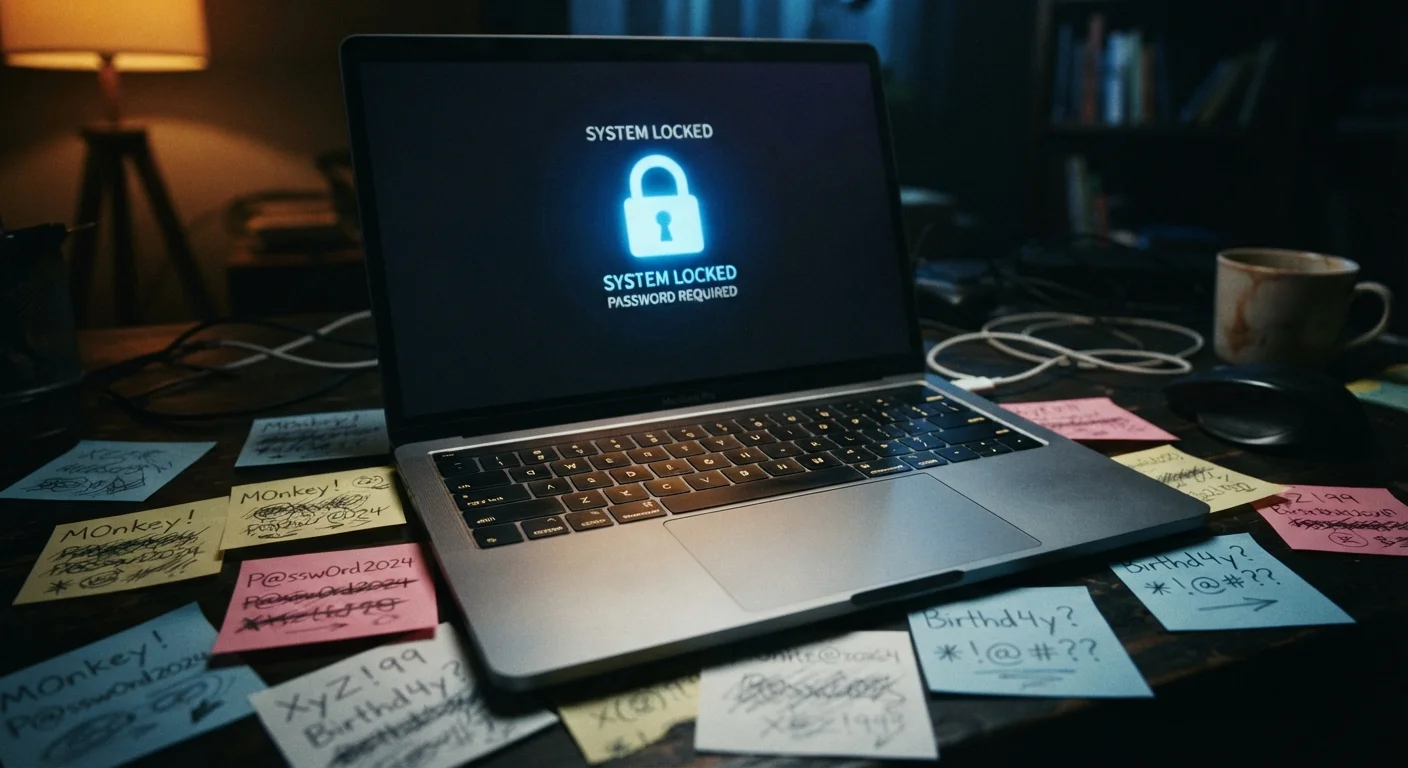
Creating 'strong' passwords that follow predictable personal patterns, such as a pet's name followed by a birth year.
Why it happens: Personalized passwords feel harder to guess because they're meaningful to the creator, but automated cracking tools test millions of common patterns and substitutions quickly.
Storing passwords in plaintext - in a notes app, spreadsheet, or browser bookmark.
Why it happens: People want convenience and reach for the nearest available tool without considering what happens if that device is lost, stolen, or accessed remotely.
Skipping two-factor authentication because it seems inconvenient.
Why it happens: The extra step feels like friction, especially when logging in feels routine and risk feels abstract.
What You Can Do That Actually Works
Fixing password security doesn't require technical expertise - it requires replacing a few deeply ingrained habits with better ones.
80%+
Of breaches involving stolen or weak credentials
Verizon's Data Breach Investigations Report has consistently found that the majority of hacking-related breaches involve compromised passwords, not technical exploits.
Billions
Of credentials exposed in known data breaches
The Have I Been Pwned database, maintained by security researcher Troy Hunt, tracks billions of compromised accounts from publicly disclosed breach events.
Use a password manager. These tools generate and store a unique, randomly created password for every account you have. You remember one strong master password; the manager handles everything else. This single change eliminates reuse and removes the pressure to memorize complex strings.
Enable two-factor authentication (2FA) wherever possible. Even if an attacker obtains your password through a breach, 2FA requires a second verification step - typically a code sent to your phone or generated by an app - before access is granted. Learn how two-factor authentication works and how to turn it on for your most important accounts.
Check whether your credentials have been exposed. Services like Have I Been Pwned (haveibeenpwned.com) let you enter your email address to see if it has appeared in a known data breach. If it has, change the affected password immediately - and any account where you reused it.
Strong passwords are a necessary starting point, but they're not sufficient on their own. Explore why unique credentials and a password manager complete the picture. And since account security connects directly to your broader home network, it's worth reviewing foundational home network security practices as well.
Don't Rely on Security Questions as a Backup
Many accounts still use security questions - mother's maiden name, first pet, hometown - as a password reset option. This information is often findable through social media or public records. Where possible, treat security question answers as additional passwords: use random, unrelated strings stored in your password manager rather than true answers.
For a look at the everyday behaviors that quietly erode security over time, read about the habits that create real vulnerabilities - and how to change them.
The content on this site is for informational purposes only and is not a substitute for professional advice. Always consult a qualified professional for guidance specific to your situation.